01
Prompt-led video planning
Muse Video starts with a scene written in plain language. Describe the subject, setting, camera feel, movement, pacing, and sound direction before you spend time editing a rough cut.
AI video generator
One online creation module for text-to-video and reference-led clips — write your scene, add motion and audio direction, choose quality and duration, then generate with built-in sound. Start on Muse Image when you need still visuals and reference assets first.
What is Muse Video
Muse Video is built around a simple creative loop: write the scene, generate a video concept, then refine motion, visual detail, and audio direction together.
Write what should happen, how the camera should move, what the image should feel like, and what sound belongs with it.
Core features
The feature story is practical: one strong prompt, a readable preview, and enough control to decide whether the idea deserves production time.
Muse Video starts with a scene written in plain language. Describe the subject, setting, camera feel, movement, pacing, and sound direction before you spend time editing a rough cut.
Sound belongs in the prompt, not after the idea is already locked. Add room tone, product cues, ambience, rhythm, or a specific audio mood so the clip feels planned from the first frame.
Use Muse Video to judge whether a scene idea reads clearly. Better generated frames make it easier to evaluate the product angle, creative hook, and visual mood before production.
Video has to hold together over time. Muse Video messaging focuses on clips where the subject, scene, and action remain understandable as the motion changes.
The page keeps preview language visible and avoids fake usage claims. It explains how creators can think about disclosure and generated media before publishing.
The modules are built so future details can replace placeholders cleanly: access, sample videos, export limits, pricing, quality notes, and generation controls.
How it works
Build the prompt as a creative loop: describe the scene, generate the concept, then refine the motion and audio together.
Name the subject first, then add setting, camera feel, action, mood, and the sound the viewer should hear.
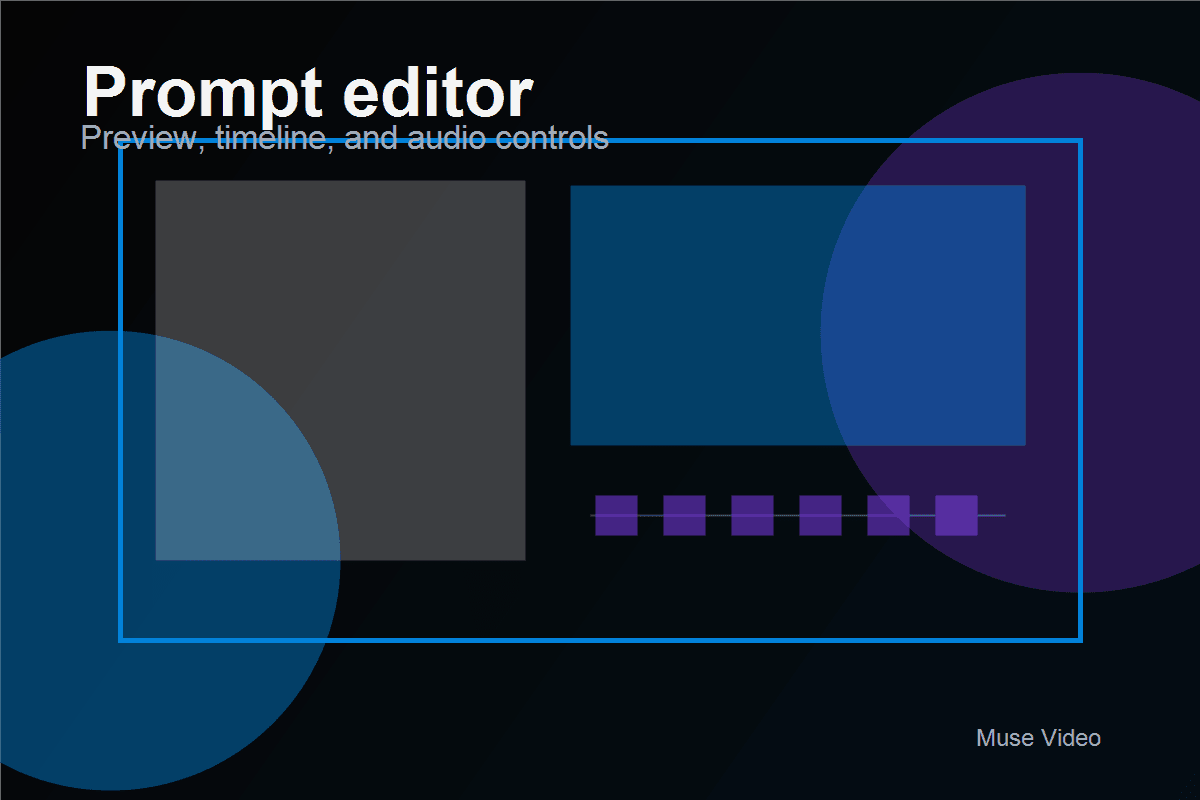
Check whether the first frame reads, the motion follows the prompt, and the subject stays clear across the clip.
Adjust the prompt with missing camera details, stronger visual mood, and more precise audio direction.
Use cases
Use it to test the hook, product angle, scene logic, and audio cue while the idea is still flexible.
Compare several visual openings before recording or editing. Muse Video helps you test the first frame, the motion, and the sound cue while the idea is still flexible.
Describe the product, background, camera move, light, and sound. The team can discuss a visual direction before a shoot, edit, or campaign build begins.
Turn a product story into a quick video concept. Show the customer moment, the problem, the product response, and the feeling of the scene.
Create small explanatory clips for lessons, walkthroughs, onboarding, or internal training when a written idea needs a visual example.
Gallery
A waterfall gallery of Muse Video sample clips. Hover a card to play the video with sound, then move away to reset the preview.
Comparison
A fair comparison should explain the current promise clearly without inventing limits, rankings, or production claims.
Pricing
Use the current credit-pack structure as a placeholder while video access details are being finalized.
Free
2 credits
$9.9
150 credits
$29.9
540 credits
$49.9
1100 credits
FAQ
Answers for people searching Muse Video, AI video generator with audio, and how to make AI videos from text.
Muse Video is an AI video generator for turning a written scene into a moving clip. The useful way to think about it is simple: write what the viewer should see, how the camera should move, and what the moment should sound like.
Most AI video pages talk only about text-to-video. Muse Video is more interesting because the public story is about video and audio being planned together, with attention on prompt adherence, visual fidelity, and temporal consistency.
Yes, native audio is one of the headline ideas. In plain English, that means the prompt can include what the scene should sound like instead of treating music, ambience, or sound cues as a separate afterthought.
Muse Video is still best described as a preview, so this page keeps the language careful. It is useful for learning the model direction, writing better prompts, and tracking what to expect before full access details are confirmed.
Write it like a tiny production note. Start with the subject and action, then add the setting, camera movement, lighting, pace, and sound. A good prompt feels less like a keyword list and more like a clear scene brief.
It means the subject should stay recognizable as the clip moves. A person should not melt into a different person, a product should not change shape every second, and the scene should feel like one continuous moment.
Creators can test hooks, marketers can sketch product scenes, educators can draft explainer clips, and teams can turn a loose idea into something visual before spending time on a shoot or a full edit.
Not really. It is better to treat Muse Video as a fast concepting layer. It can help you get to a direction faster, but story, pacing, brand review, publishing, and final polish still need human judgment.
Draft the scene, shape the motion, and keep audio in the creative brief from the beginning.