Agentic Text-to-Image
Describe what you need and Muse Image plans the composition, follows your constraints, and refines output until the scene reads clearly — not just one random roll of the dice.
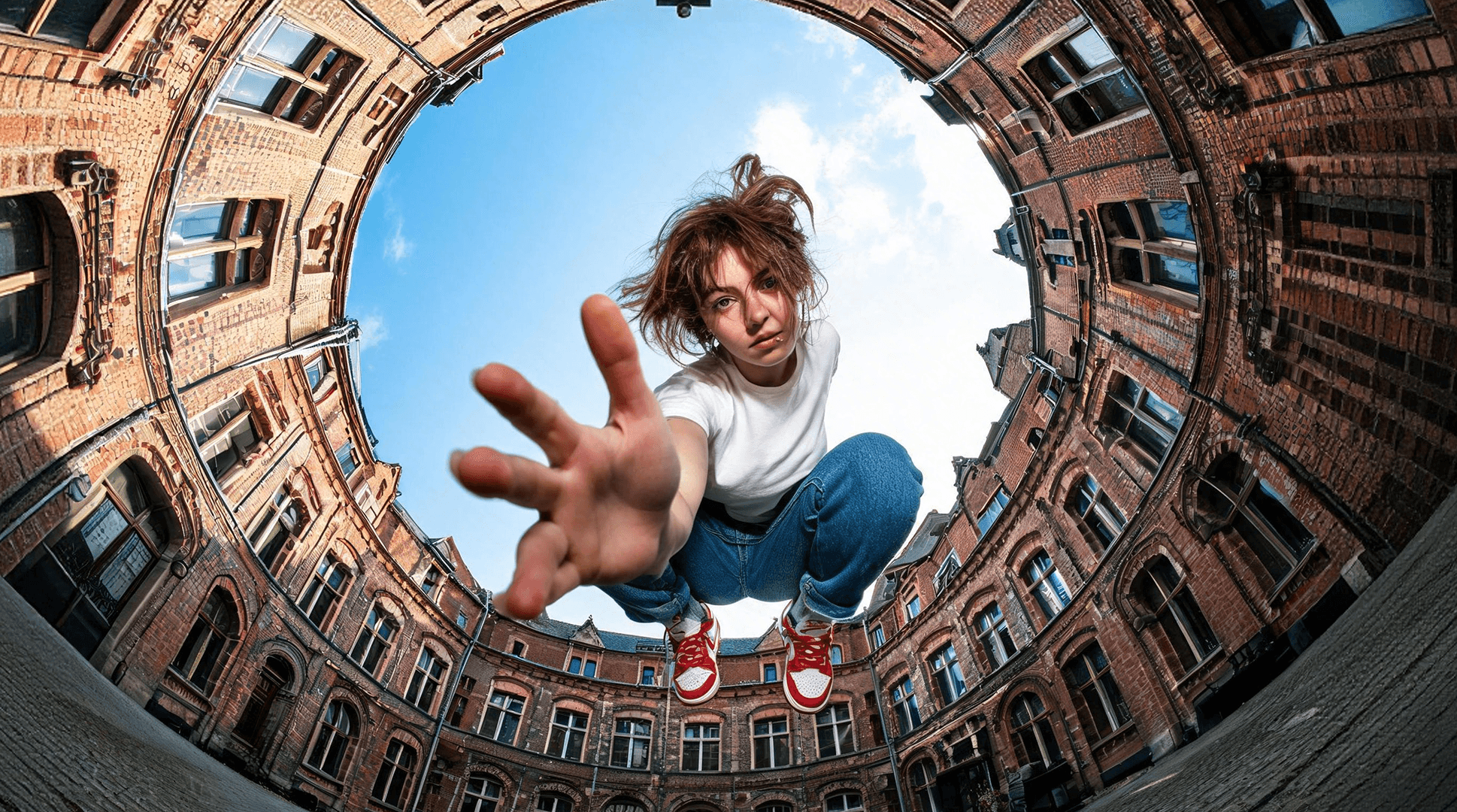
Generate and edit images from prompts or photos in one browser workspace. On Muse Image, follow your brief, refine output, and use multi-reference composition for production-ready visuals.
What is Muse Image
Muse Image is built for people who need finished visual assets, not just model demos. The generator workspace covers text-to-image creation, precision photo editing, multi-reference composition, and layouts where readable text matters.
Use it to build campaign imagery, product scenes, social posts, educational graphics, and client previews — then refine with targeted edits instead of starting from scratch each time.
Paid credit packs are designed for commercial creative workflows. Teams can plan campaign imagery, ecommerce banners, localized layouts, and deliverables while keeping cost tied to actual generation work.
For prompt tips, editing workflows, and multi-reference examples, see the Muse Image user guide.
Core capabilities
Use the online workspace for agentic generation, precision editing, multi-reference composition, and layouts with readable text — all in one flow.
Describe what you need and Muse Image plans the composition, follows your constraints, and refines output until the scene reads clearly — not just one random roll of the dice.
Upload a photo and change one region, mood, or detail while keeping the rest intact. Great for product shots, portraits, and quick revisions without rebuilding the whole image.
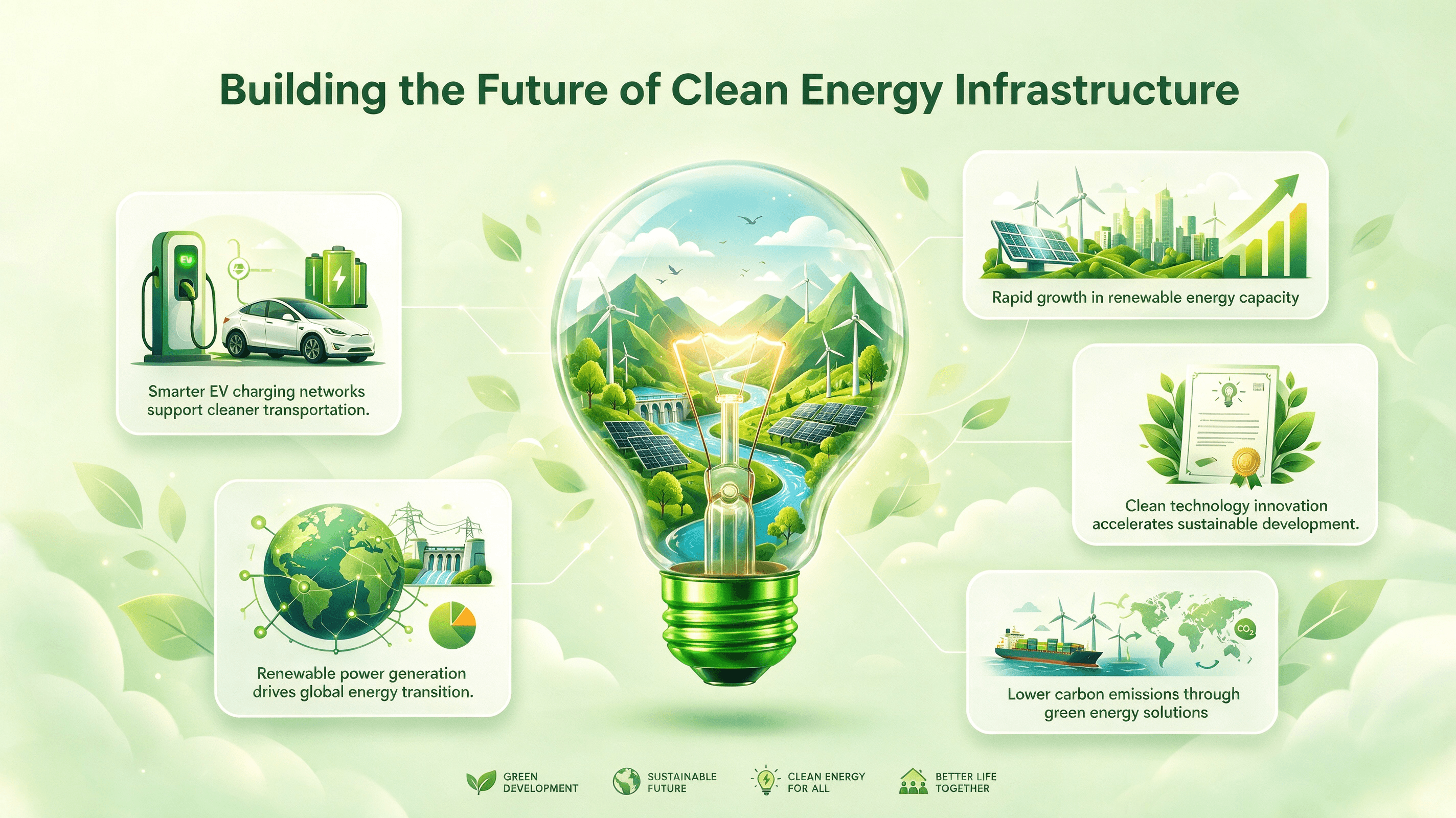
Blend pose, style, color, and subject references in one generation. Muse Image keeps references coherent so campaign visuals, lookbooks, and concept boards stay on brief.
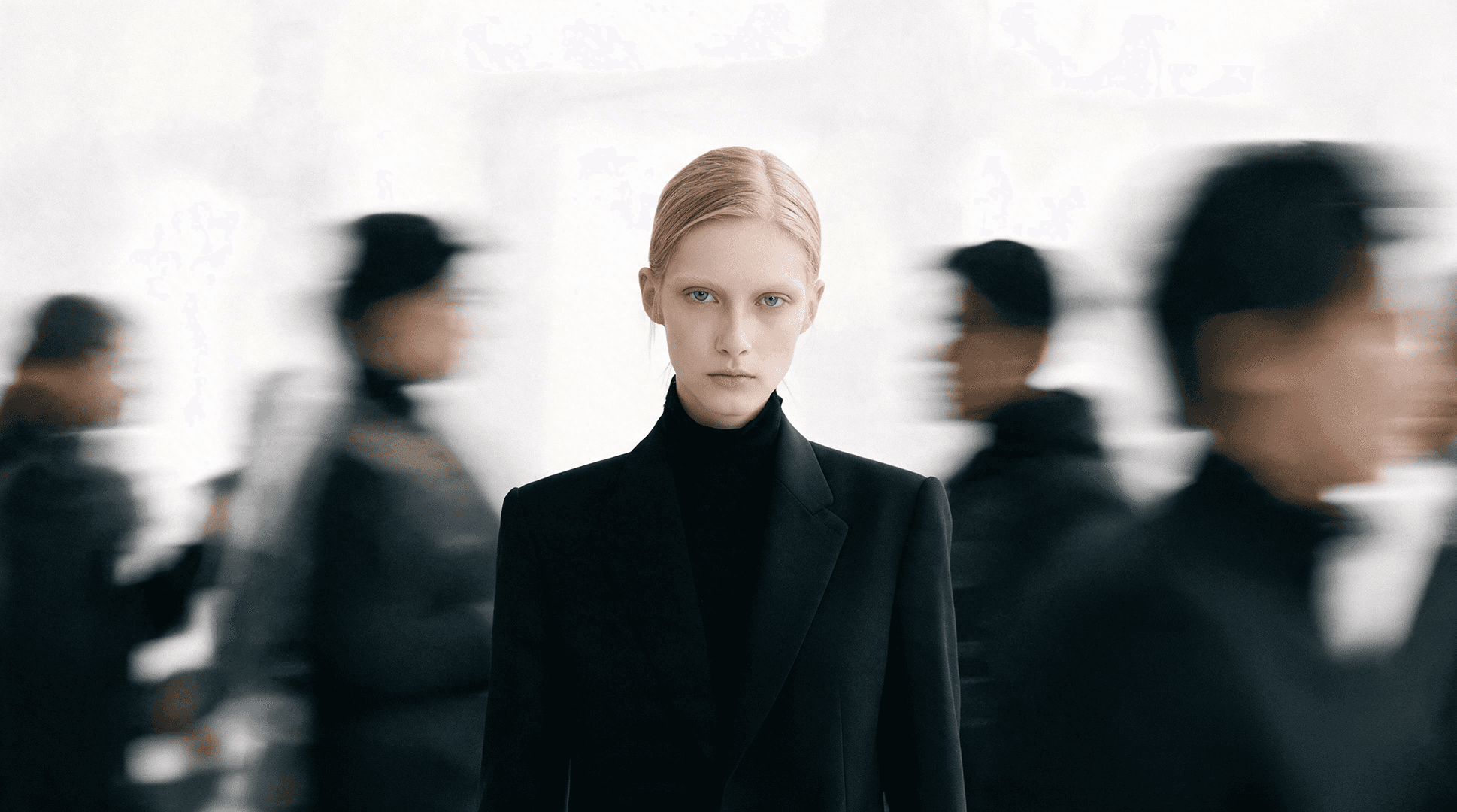
Posters, labels, covers, and infographic-style layouts with legible type and clear hierarchy — useful when the image needs to communicate, not just look good.
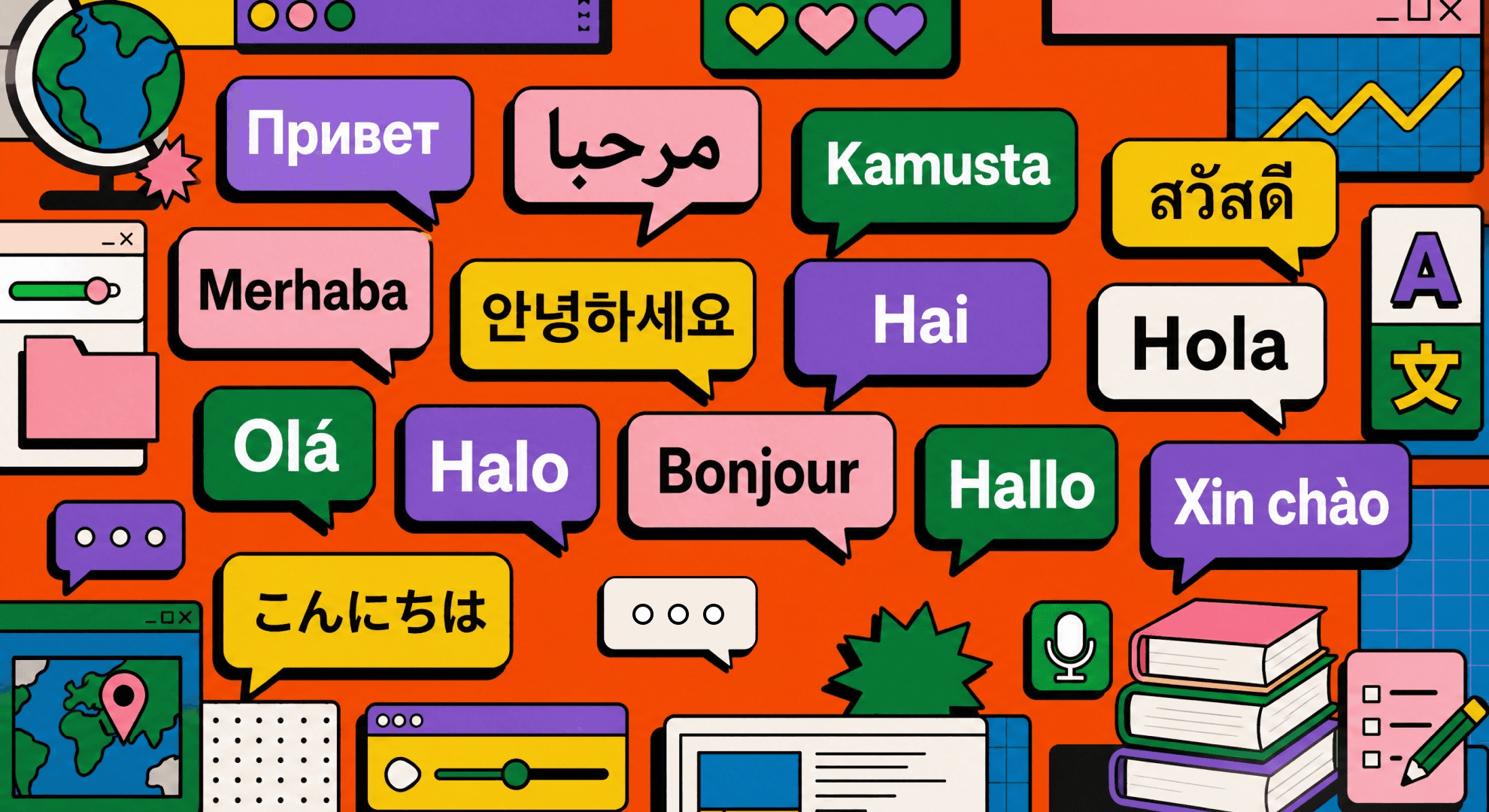
Gallery
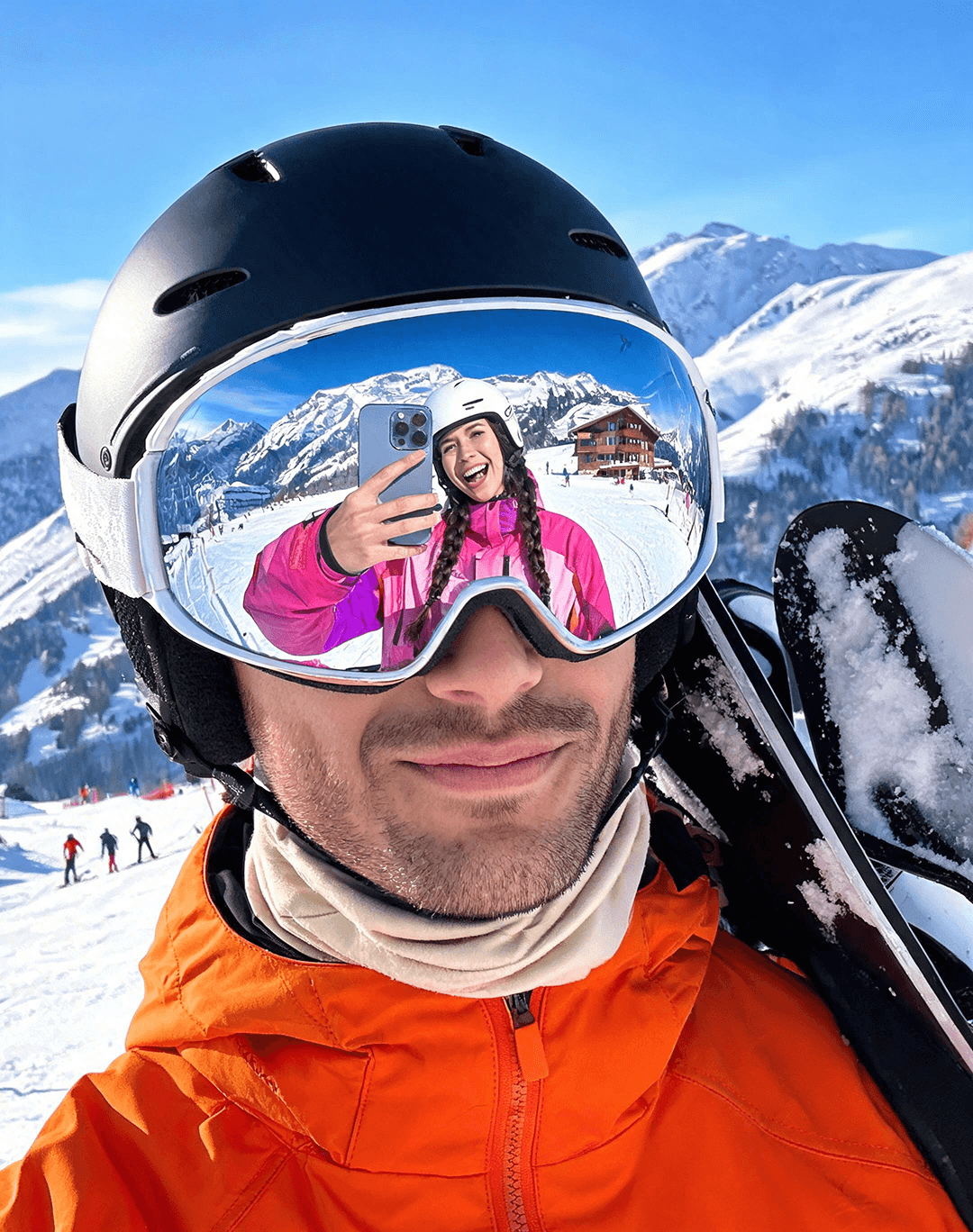
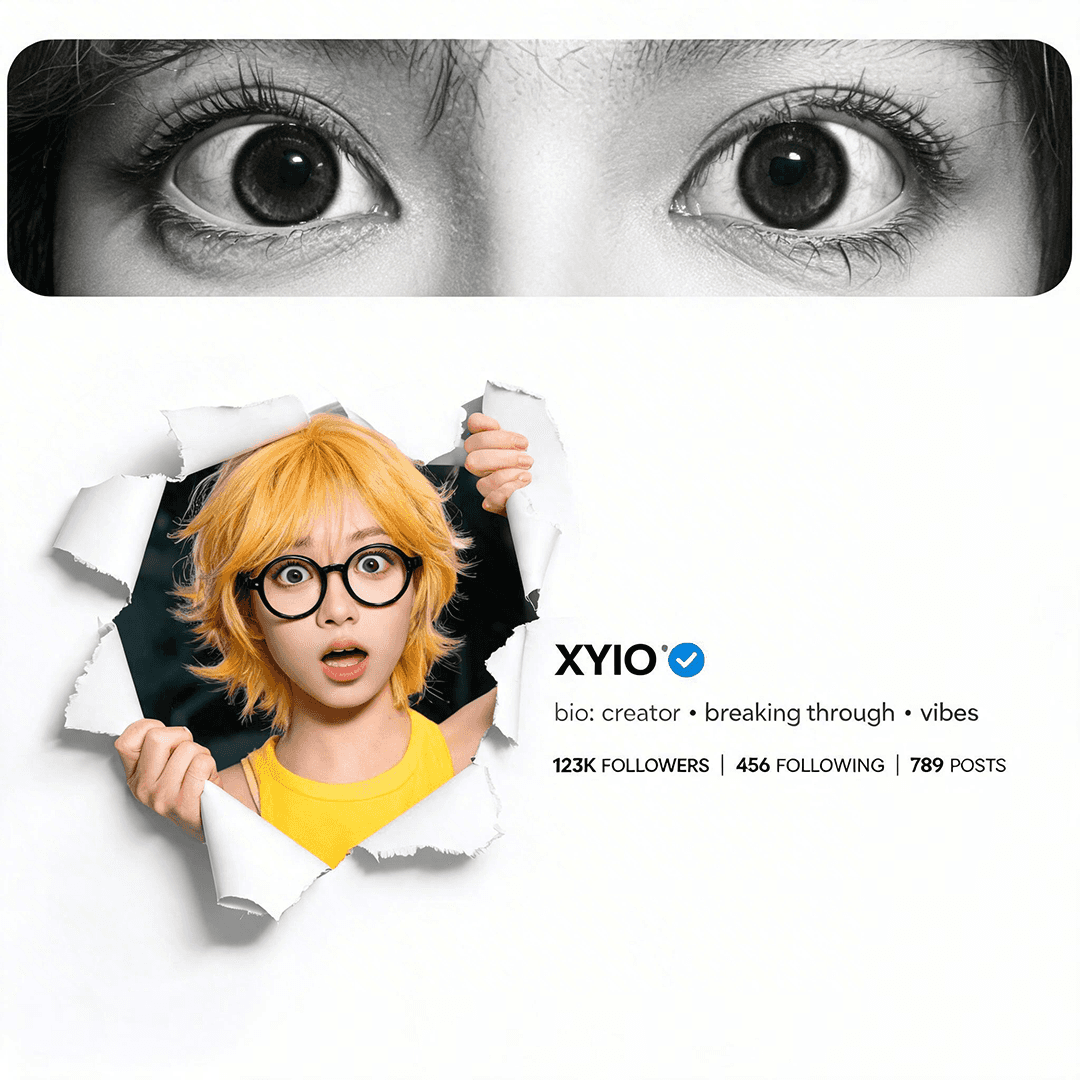
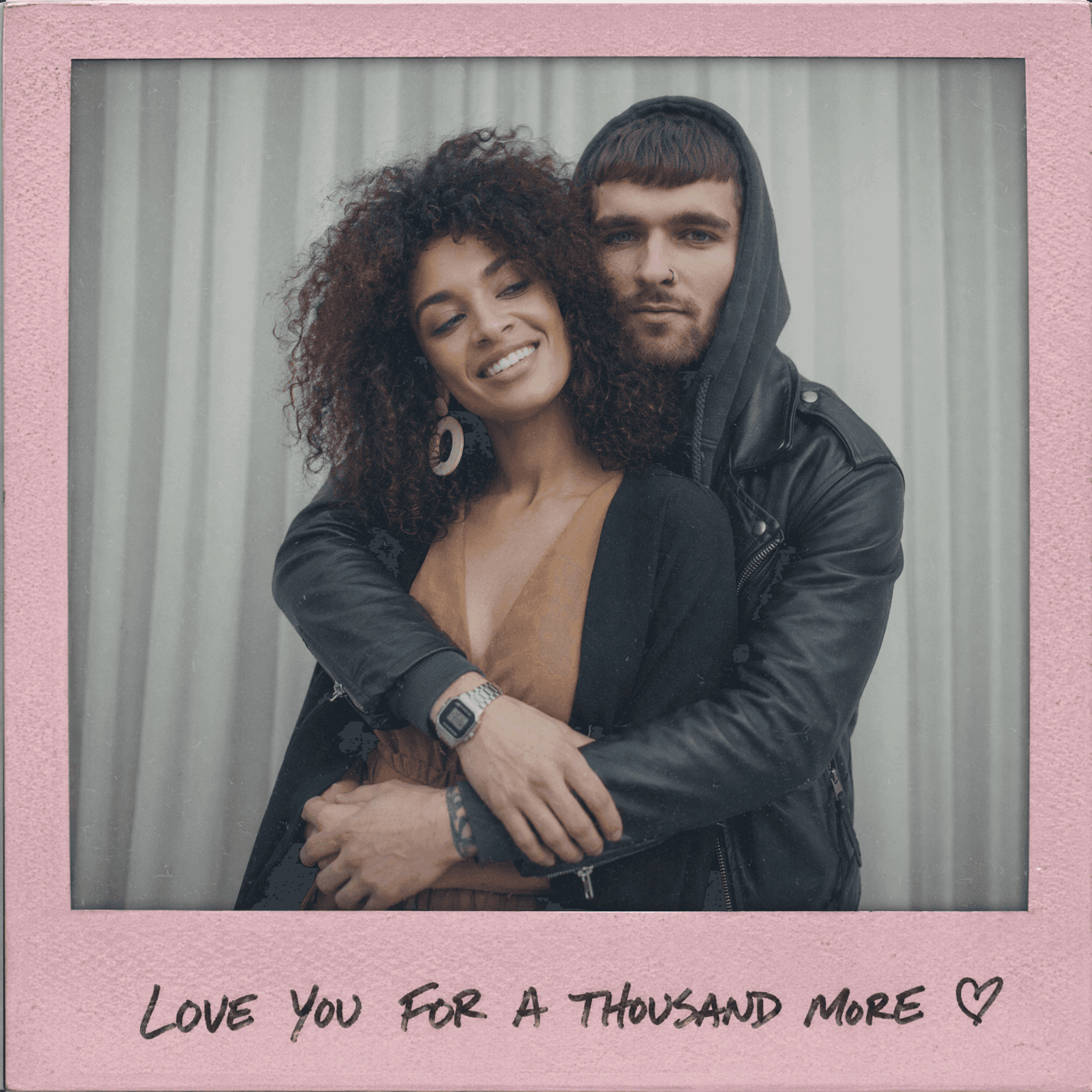
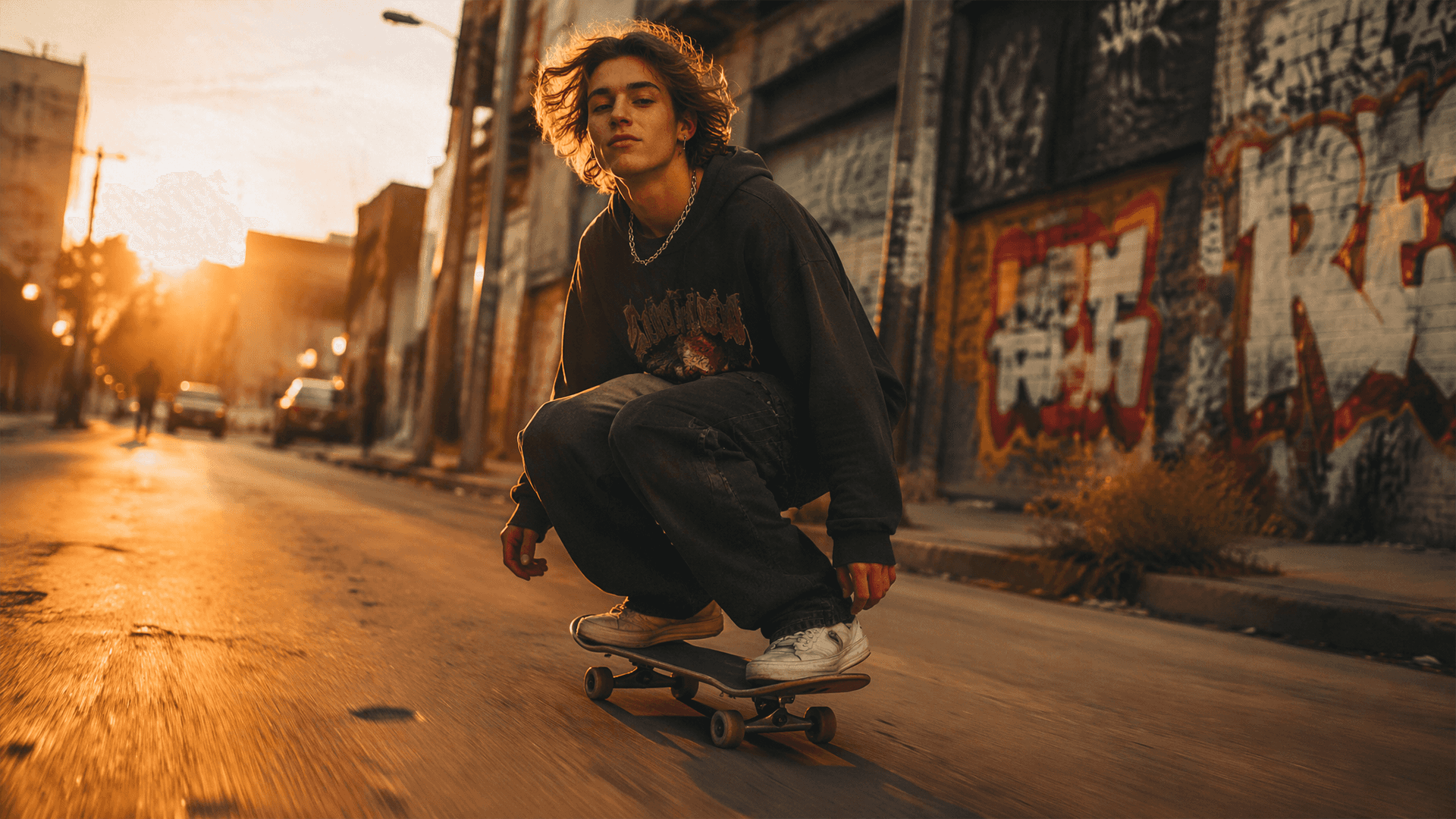
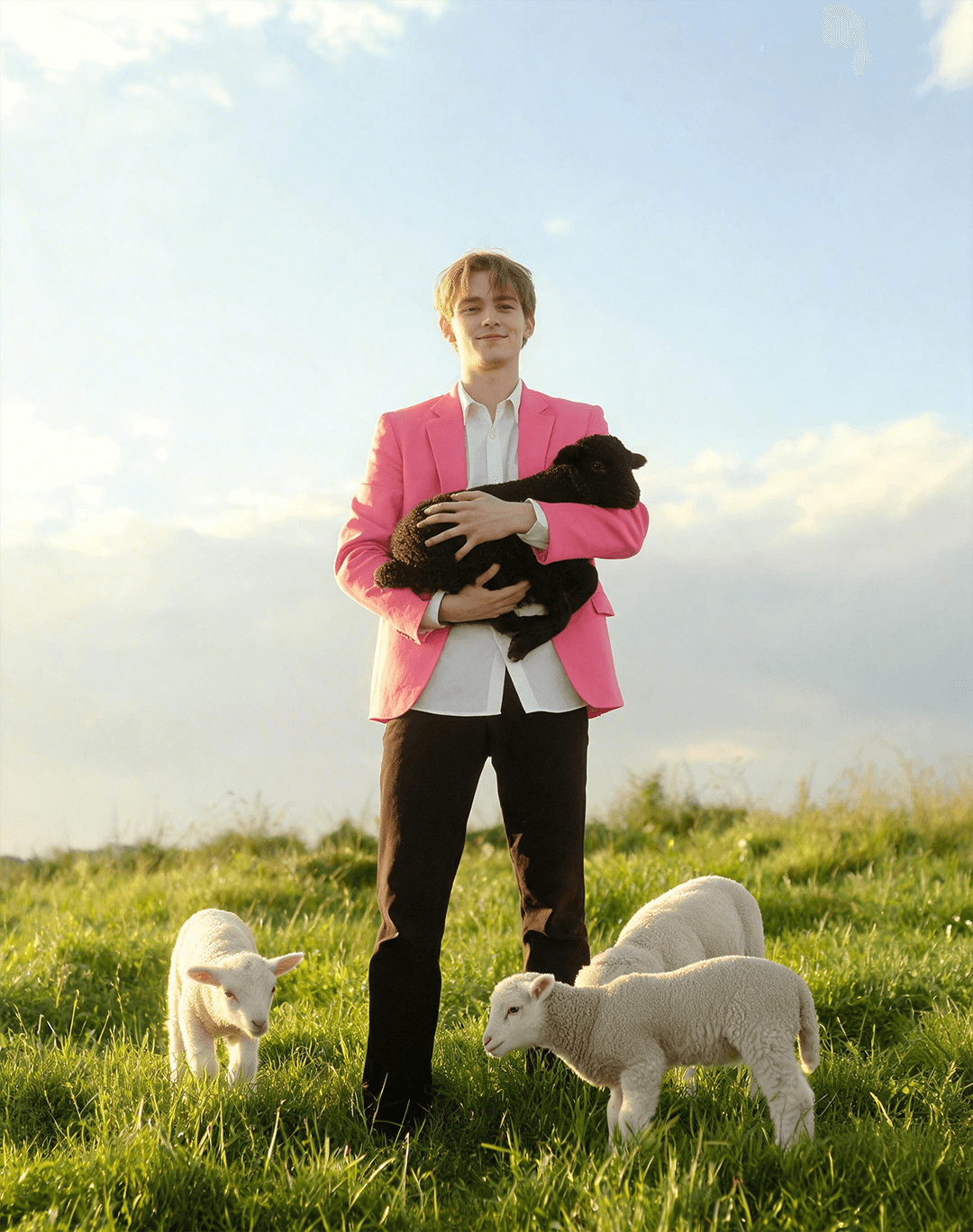
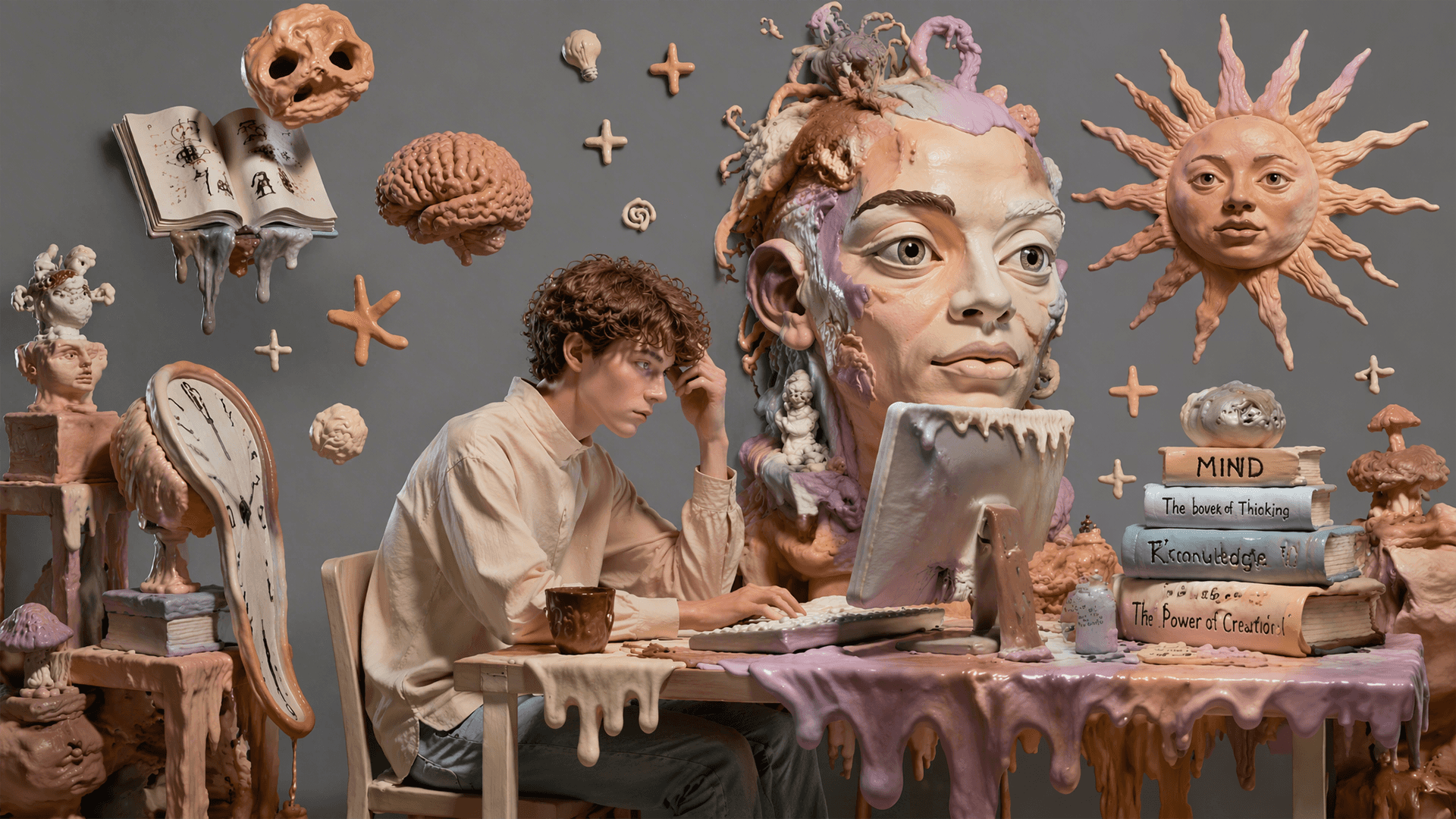
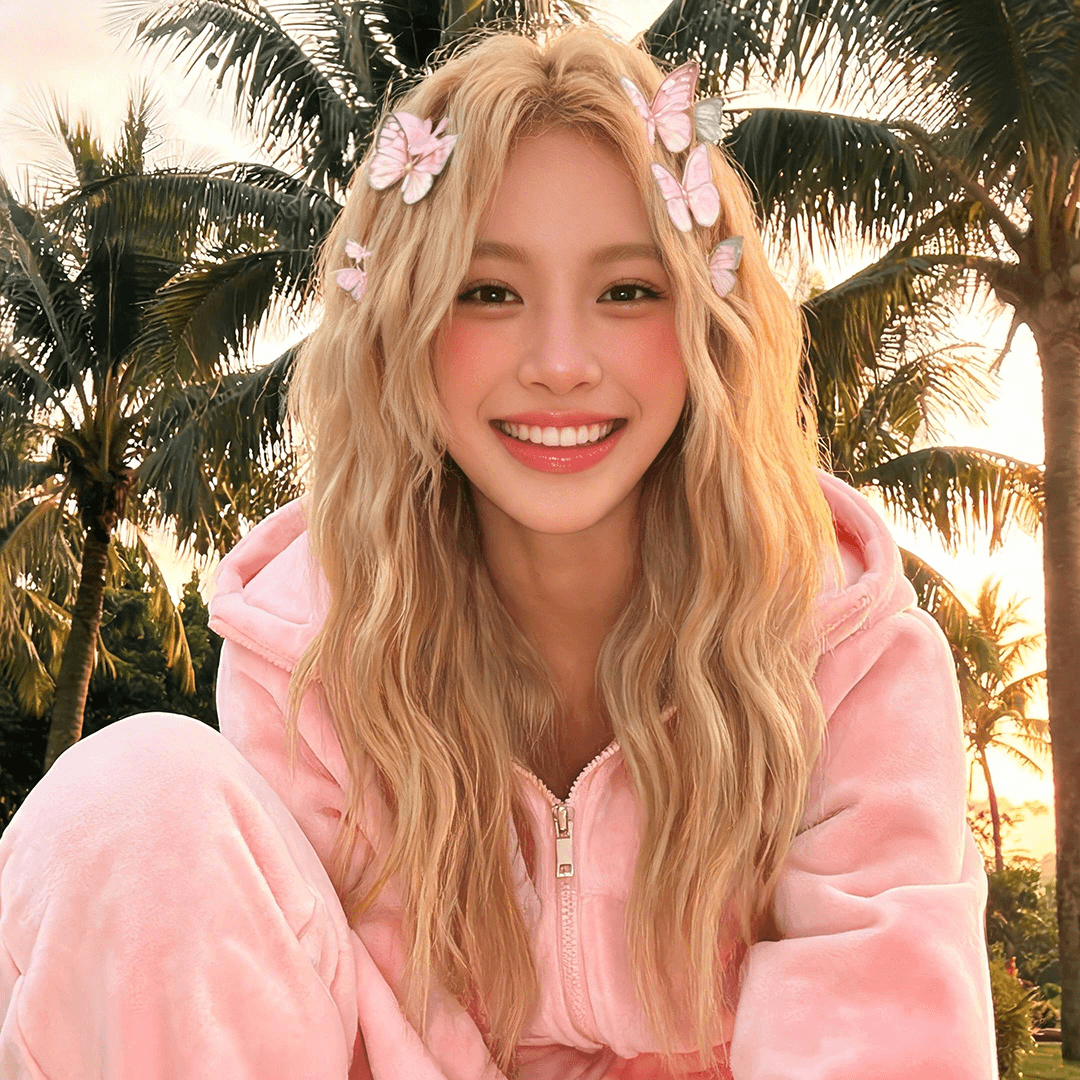
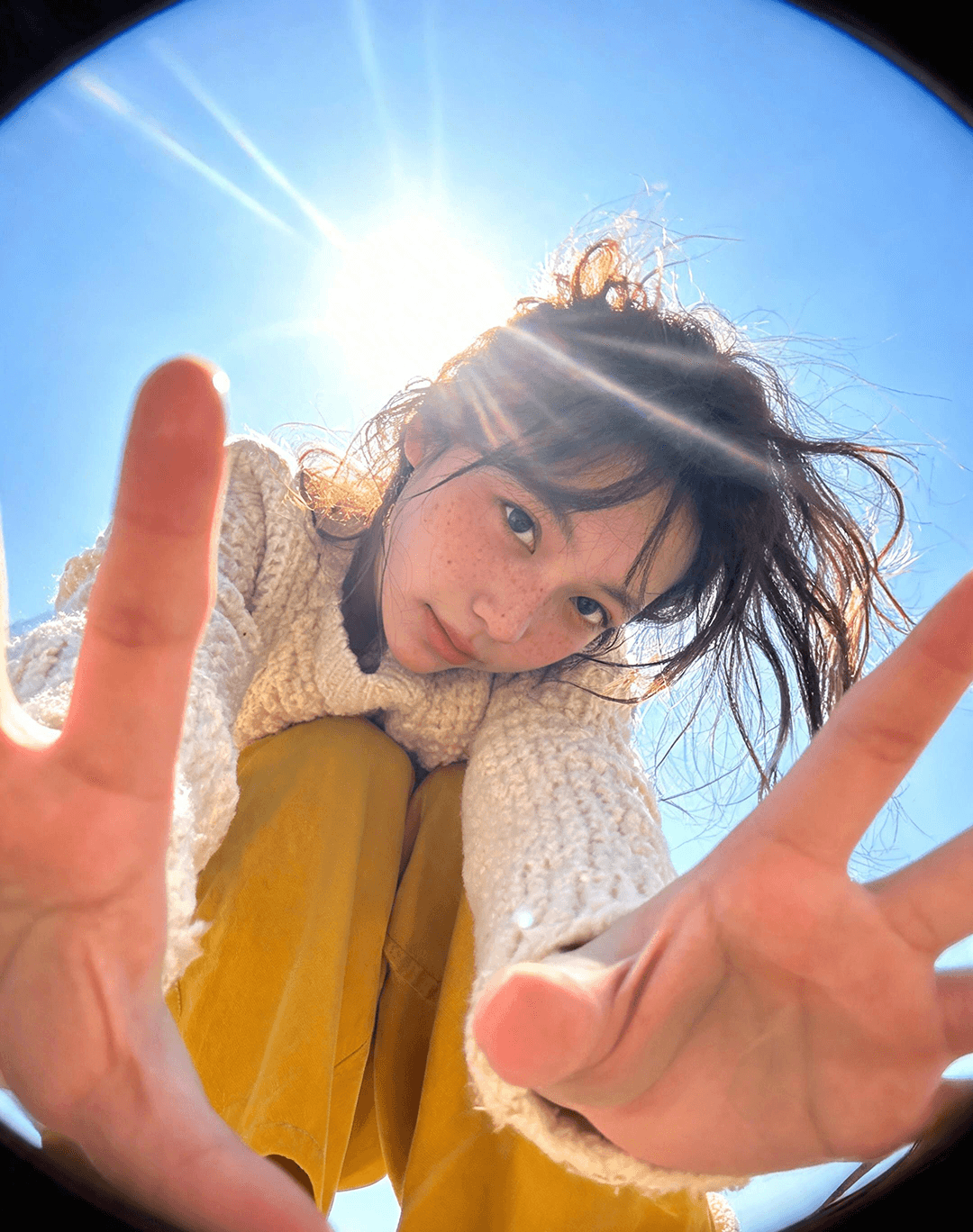
Explore production-style outputs across posters, characters, product visuals, and information-rich layouts.

Workflow
Go from blank prompt to downloadable still in minutes. No local install, no API key, no design software required.
Describe the scene, upload photos, or add reference images for style, pose, and subject. Muse Image works from text, edits, or both.
Choose text-to-image or image-to-image, pick 1K or 2K resolution, aspect ratio, and output format based on your production task.
Generate, review the result, iterate with a refined prompt or edit, then download a watermark-free PNG or JPG on paid plans.
Comparison
Muse Image competes on agentic refinement, regional editing, multi-reference composition, and readable layouts — not just aesthetic style. Comparison based on publicly available information; competitor features may change.
| Feature | Muse Image | GPT Image 2 | Nano Banana 2 |
|---|---|---|---|
| Agentic self-refinement | Plans, refines, and follows complex briefs | Strong general generation | Strong visual generation |
| Regional photo editing | Targeted edits while preserving context | Prompt and image-based edits | Prompt-based edits |
| Multi-reference composition | Native blending across references | Limited reference support | Varies by surface |
| Readable text in layouts | Posters, labels, and infographic-style type | Strong text rendering | Varies by surface |
| Browser workflow | No API setup, credit-based access | ChatGPT and API workflow | Developer-focused |
Muse Image vs GPT Image 2: Pick Muse Image when you need browser-based credit access, agentic refinement, multi-reference composition, and regional photo editing.
Muse Image vs Nano Banana 2: Both target high-quality generation, but Muse Image is positioned around agentic workflows, targeted edits, and reference blending in one workspace.
Why Muse Image
Muse Image follows instructions, uses tools for accuracy, and self-refines output — closer to a creative partner than a slot machine.
Change one area, restore detail, or shift mood while the rest of the image stays put. Less rebuild, more control.
Combine multiple references in one generation so lookbooks, campaigns, and concept boards stay coherent across variations.
Edit the exact area. Change one region, mood, or detail while the rest of the image stays put — less rebuild, more control.
Refine after generation. Muse Image self-refines output and supports follow-up edits when an image needs another pass before delivery.
Muse Image fits marketers, creators, sellers, and design teams that need usable campaign images, product visuals, posters, thumbnails, and edited photos from one browser workflow.
If your image depends on a person, product, room, outfit, visual style, or exact object reference, multi-reference composition gives the prompt more context than text alone.
Paid credit packs make sense when you need watermark-free downloads, commercial use, and enough generations to test multiple prompt directions before shipping.
Use cases
Create product heroes, lifestyle scenes, and annotated selling points with realistic quality and focused edit control.
Produce feed posts, stories, and thumbnails with readable text, consistent style, and fast variation from one brief.
Spin up ad variants from a single concept: revise copy, swap backgrounds, and preserve brand composition across formats.
Build labeled diagrams, infographic panels, and poster-style study materials where structure and reading order stay clear.
Build character sheets, prop boards, and worldbuilding visuals with editable objects, labels, and style references.
Deliver client-ready comps faster with commercial licensing on paid credit plans and watermark-free downloads.
One-time credit packs. Commercial license and watermark-free downloads on all paid plans.
One-time credit packs • No subscription required
FAQ
Common questions about the generator, credits, editing, and how Muse Image compares to other tools.
It is the online workspace where you create and edit images with Muse Image — text-to-image, image-to-image, multi-reference composition, and precision photo editing in one browser flow.
New accounts get 2 free credits on sign-up. You can generate before buying a pack. Paid credit packs start at $9.9 with no subscription required. See pricing
Text-to-image starts from a written prompt. Image-to-image uploads one or more reference photos and applies your instructions as edits or guided generation.
You can add up to 10 reference images in image-to-image mode to blend style, pose, subject, and composition cues in a single generation.
2 credits for a 1K image and 3 credits for a 2K image. The cost is shown before you generate.
Paid credit plans include a commercial use license and watermark-free downloads. Check the terms of service before client delivery. Terms of Service
Choose Muse Image for browser-based credit access, agentic refinement, multi-reference composition, and regional photo editing. Choose GPT Image 2 when you want OpenAI generation through ChatGPT or the API. See comparison table
The user guide covers prompts, photo editing, multi-reference workflows, and credit usage with step-by-step examples. Open user guide
Choose a credit pack, sign up, and start creating production-quality images with Muse Image. No API keys, no local install.
Secure Stripe checkout · 7-day refund guarantee · Commercial license on paid plans · Email support