


Agentic generation
Plans and reasons through your request before it generates.
Agentic AI Image Generator
Generate, edit, and compose images from text, photos, sketches, and references with an advanced AI image model.
Free AI image generator
Turn prompts and reference photos into finished visuals in your browser. Generate at 1K or 2K, edit with precision, and preview results instantly — free credits when you sign up.
Muse Image is an advanced AI image generator for text-to-image creation, photo editing, and multi-reference composition. It follows instructions faithfully, edits with precision, uses search and tools for accuracy, and refines its own output—more like a creative agent than a one-shot generator.
Overview of Muse Image agentic AI image generation, precision editing, multi-reference composition, and self-refinement.
Plans and reasons through your request before it generates.
Change one detail without rebuilding the whole composition.
Blend people, products, and style refs into one coherent image.
Ground outputs in facts, references, charts, and QR scenes.
Reviews and improves its own drafts with provenance in mind.
Review your source platform's privacy settings before using public account references in image generation workflows.
Core capabilities
Generation, editing, search context, and references work inside one creative loop. Each image below is shown in full, not cropped.
Muse Image
Describe complex scenes, camera direction, lighting, and visual style. Muse Image turns the instruction into a finished visual.
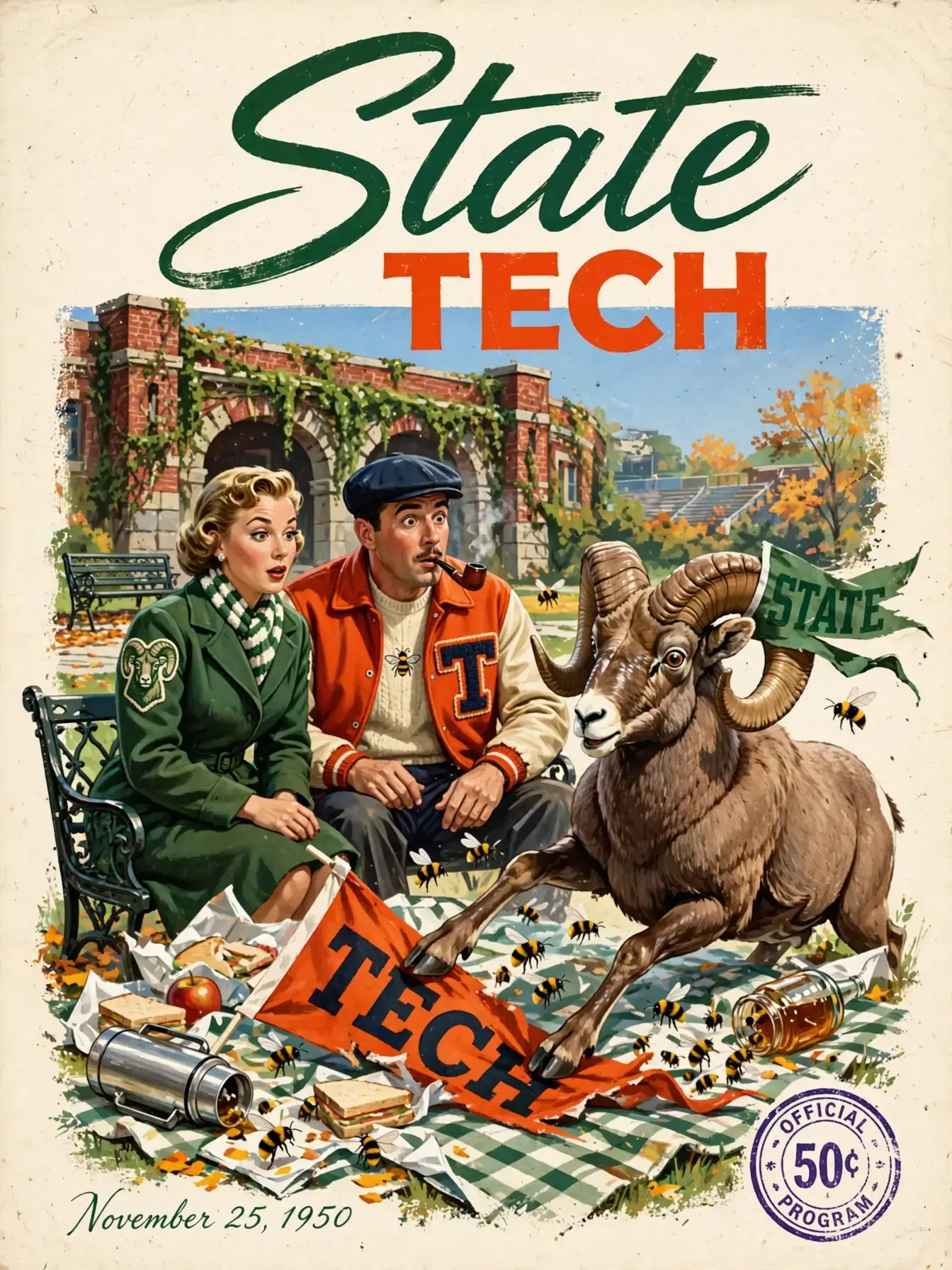
Muse Image
Change the detail that matters while preserving the original composition, light, and surrounding pixels.
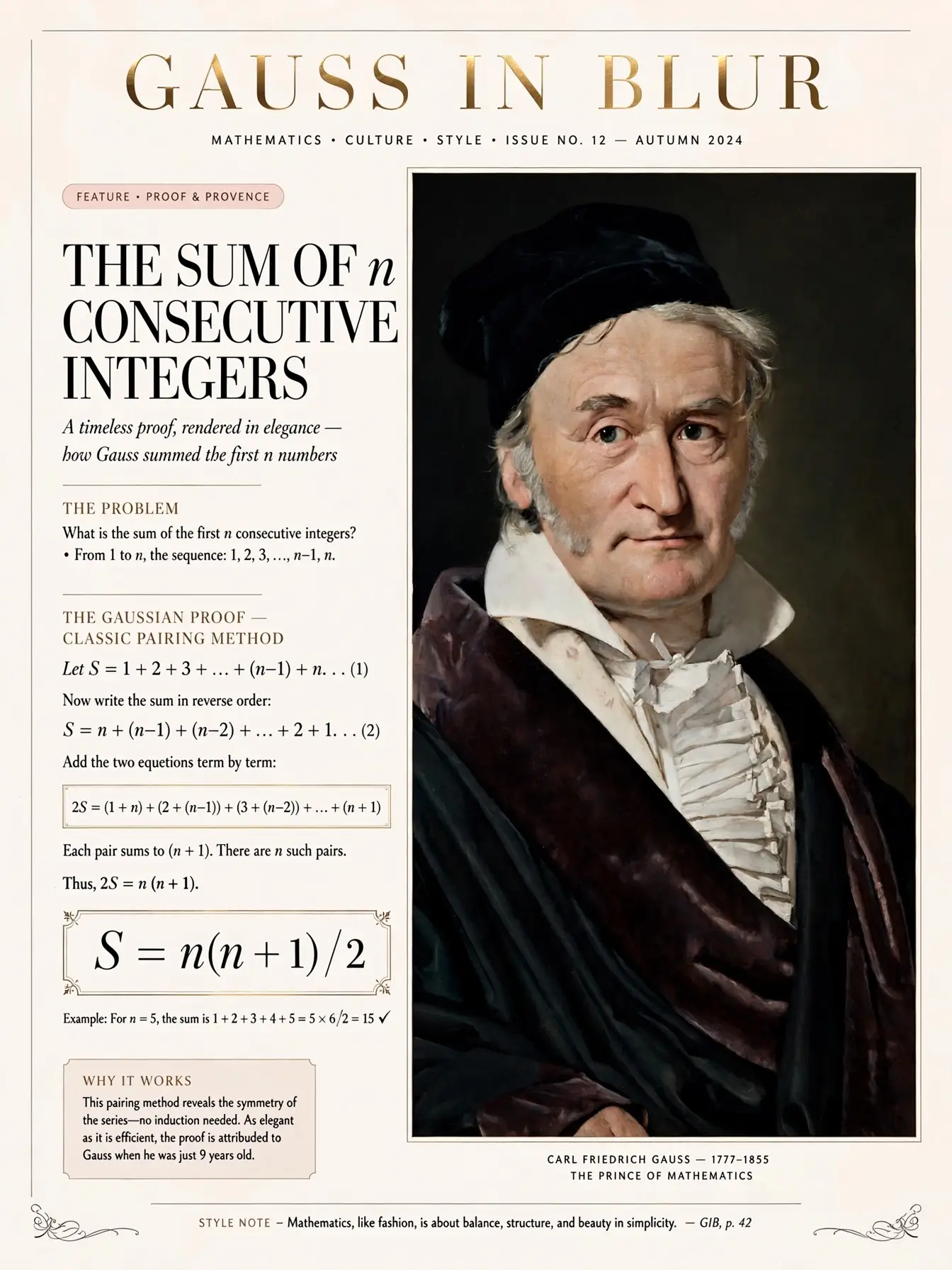
Muse Image
Blend people, places, clothing, and style references into one coherent image with fewer manual iterations.
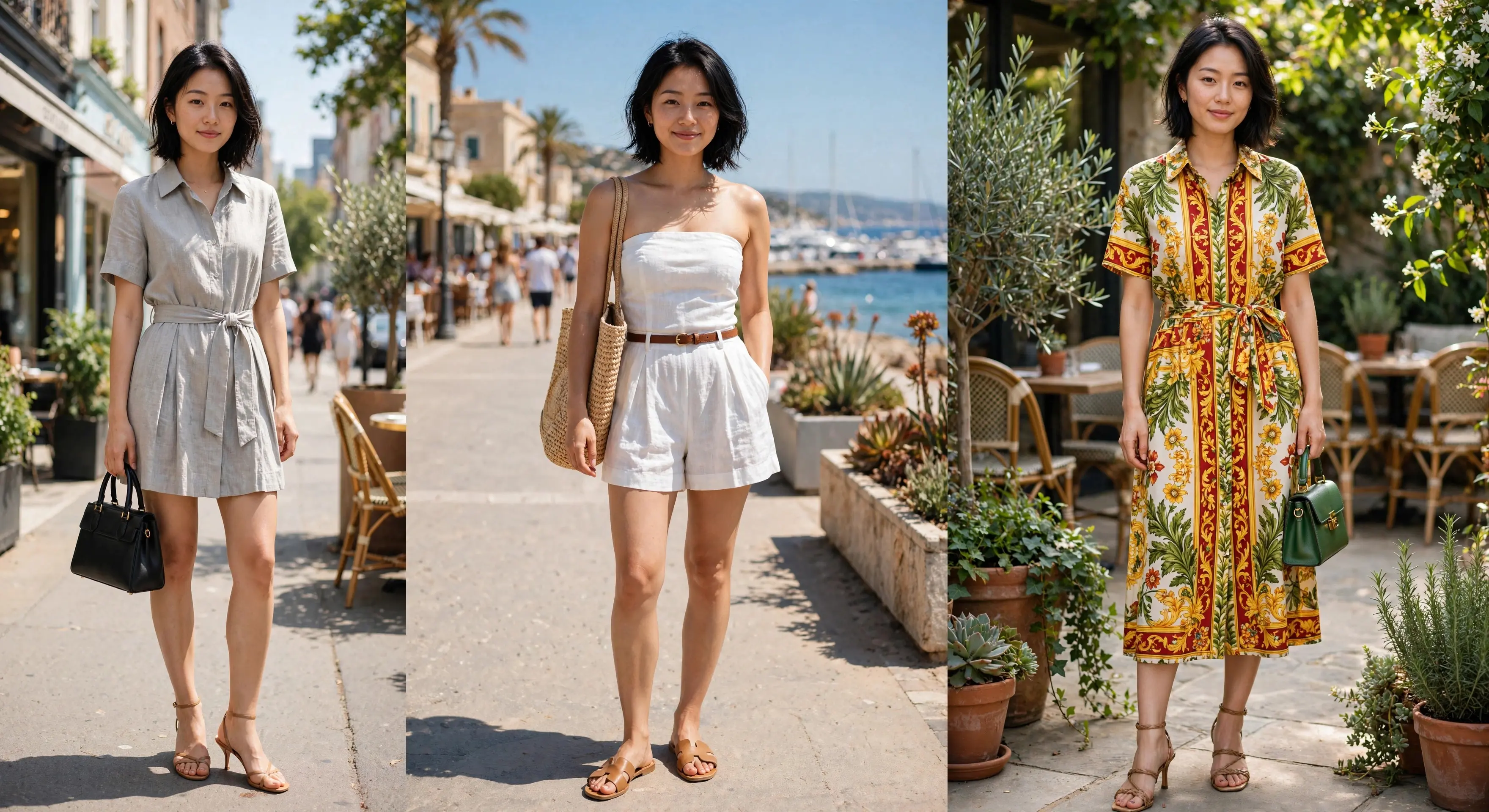
Muse Image
Use search-backed context for landmarks, brands, trends, and facts that need current visual detail.
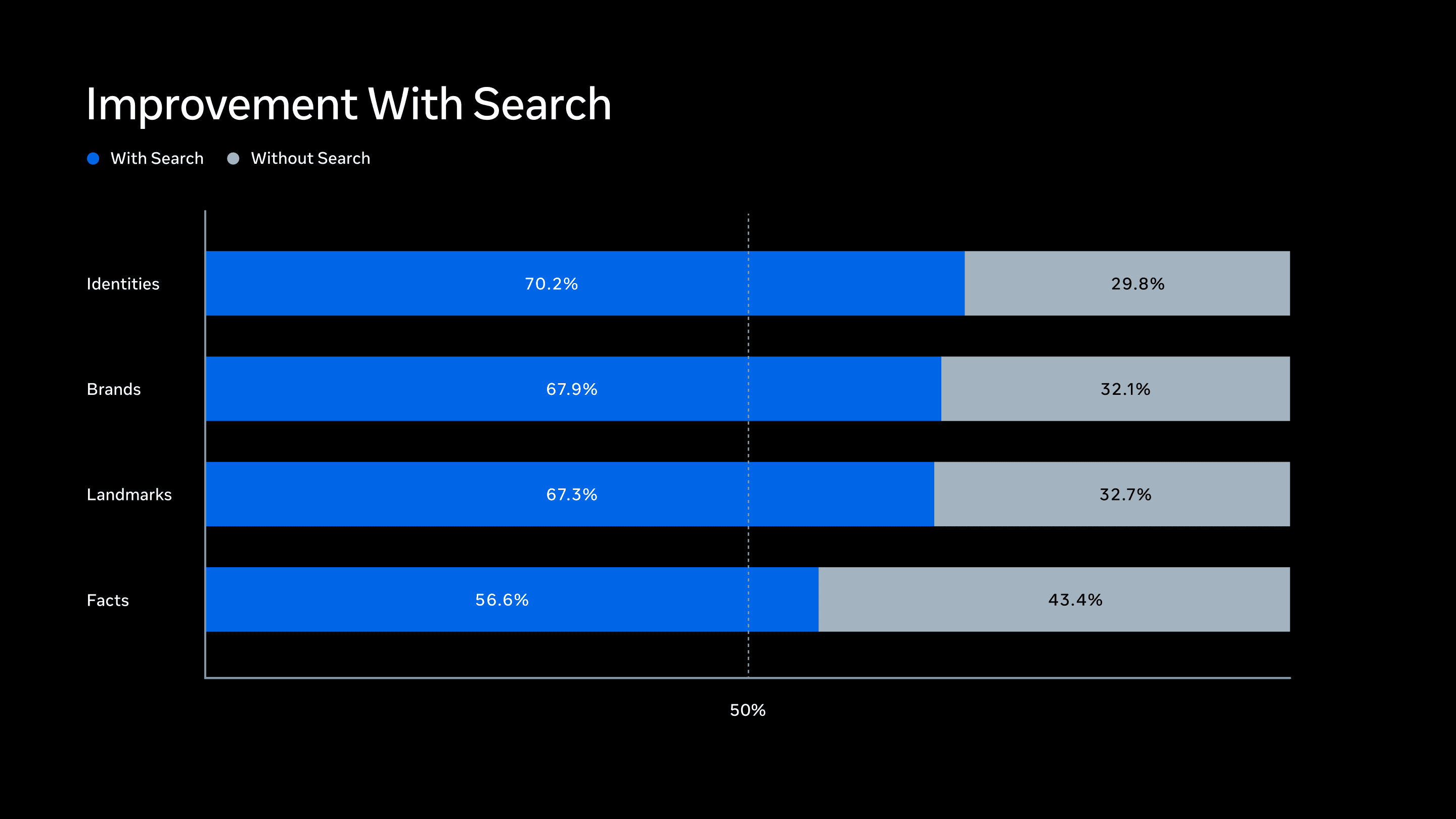
Muse Image
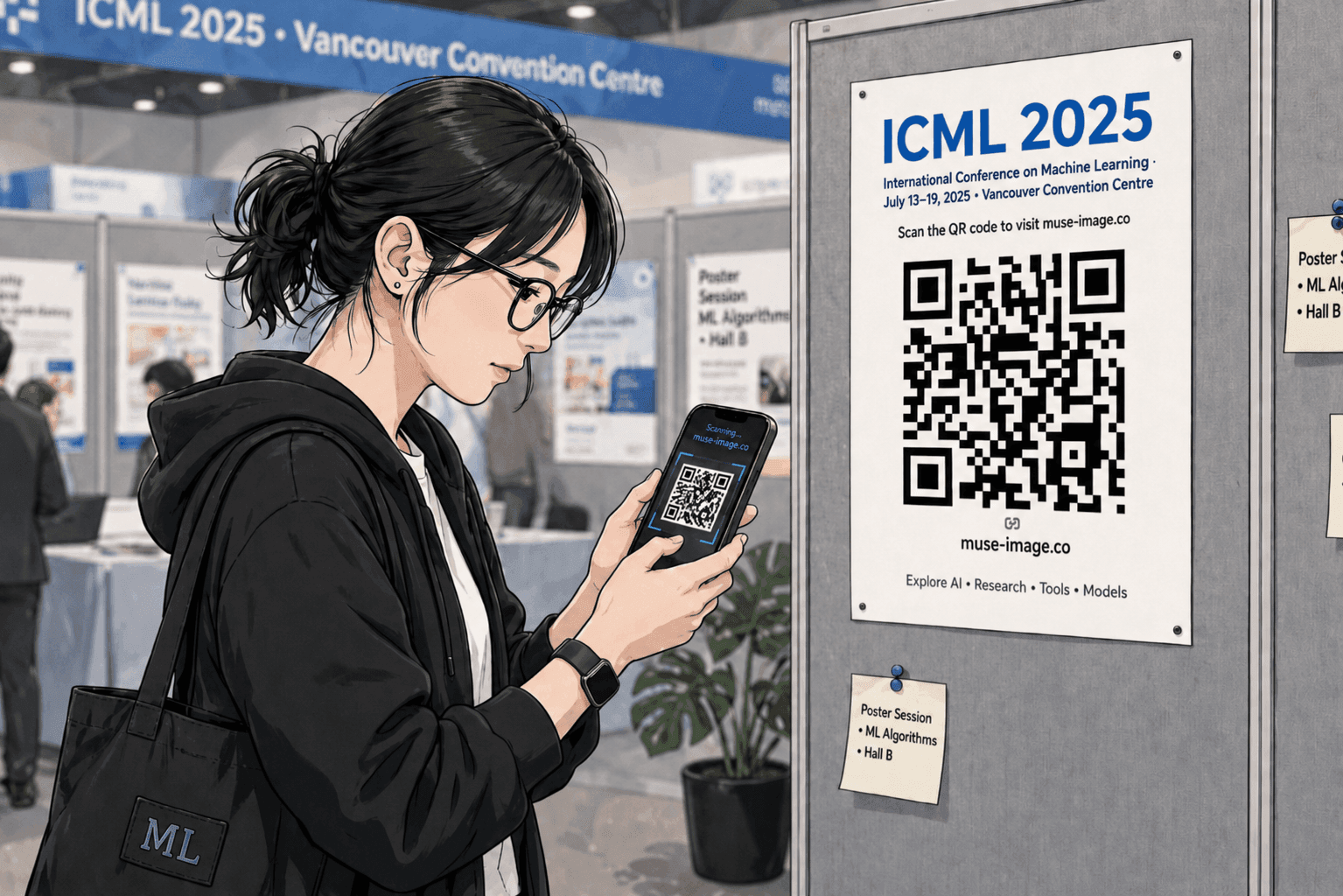
Generate QR scenes, diagrams, charts, and structured graphics with stronger visual accuracy.
Muse Image
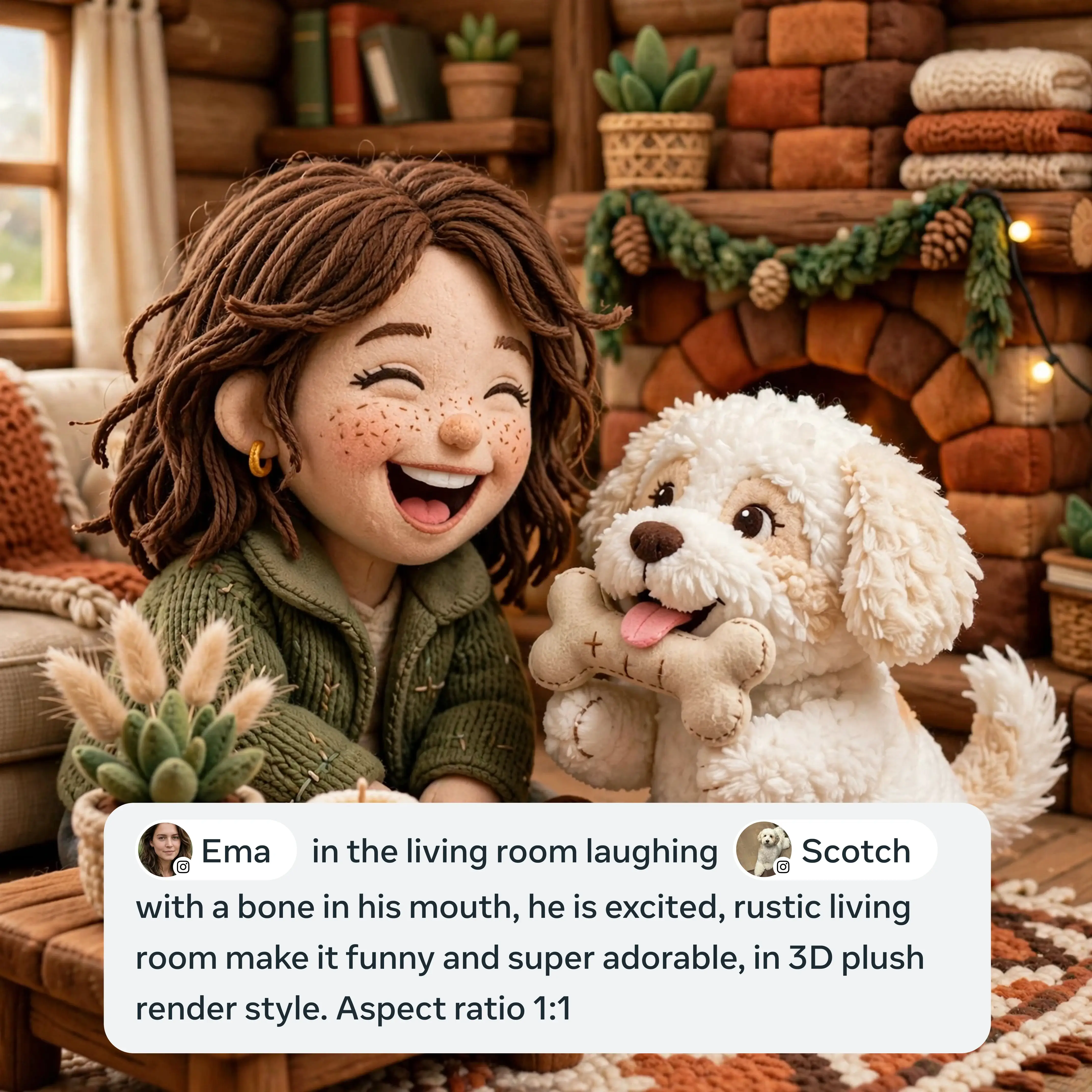
Bring social context into creative work while keeping privacy and reuse settings visible to users.
Muse Image
Invisible provenance signals mark generated images, helping people identify AI-created media.
Muse Image gallery
Text fidelity, regional edits, product context, and reference blending shown with local Muse Image examples.
Muse Image keeps illustrated poster type legible while building a full campaign-style composition.
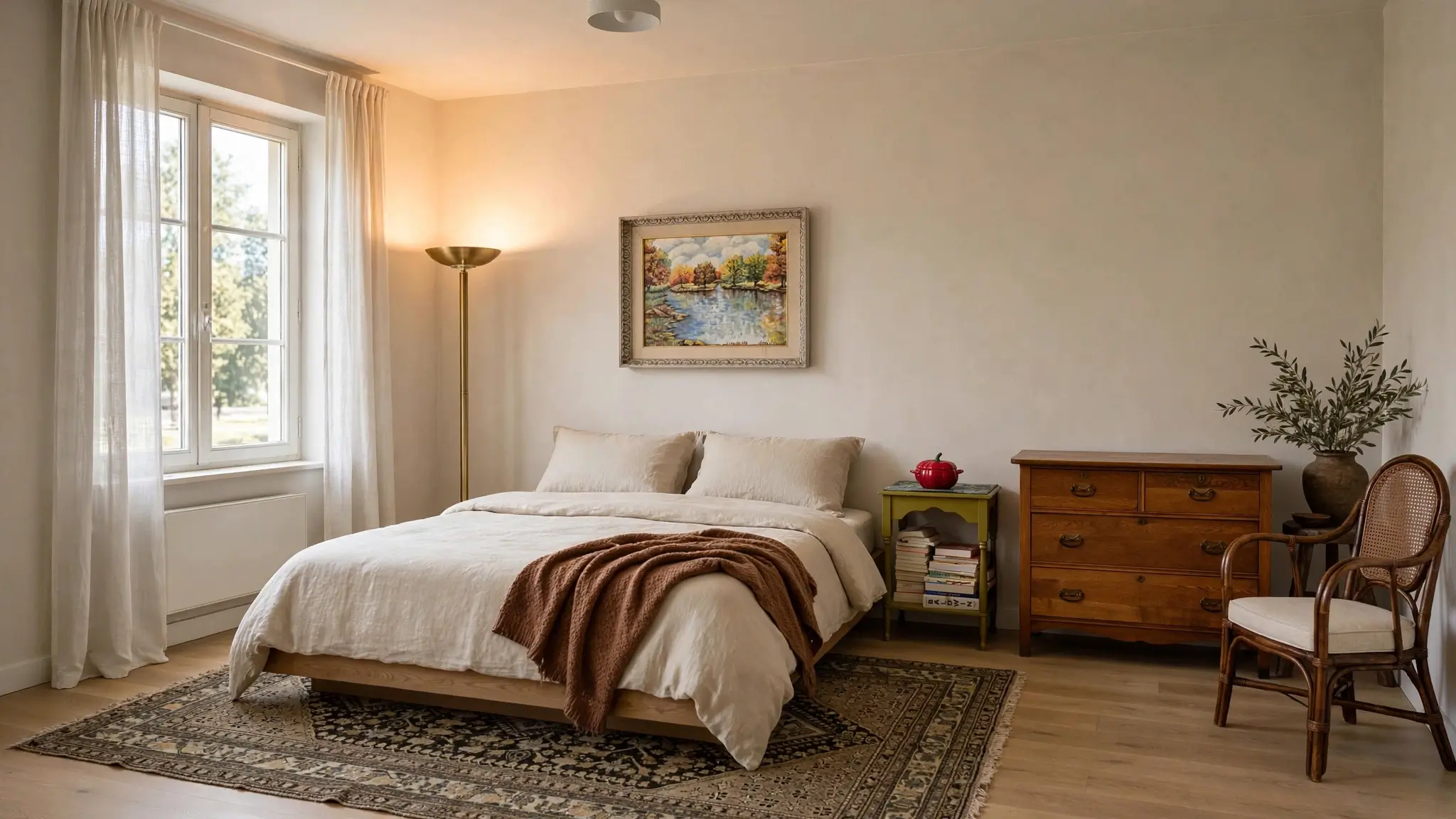
Muse Image reworks a real room with marketplace furniture while preserving light and perspective.
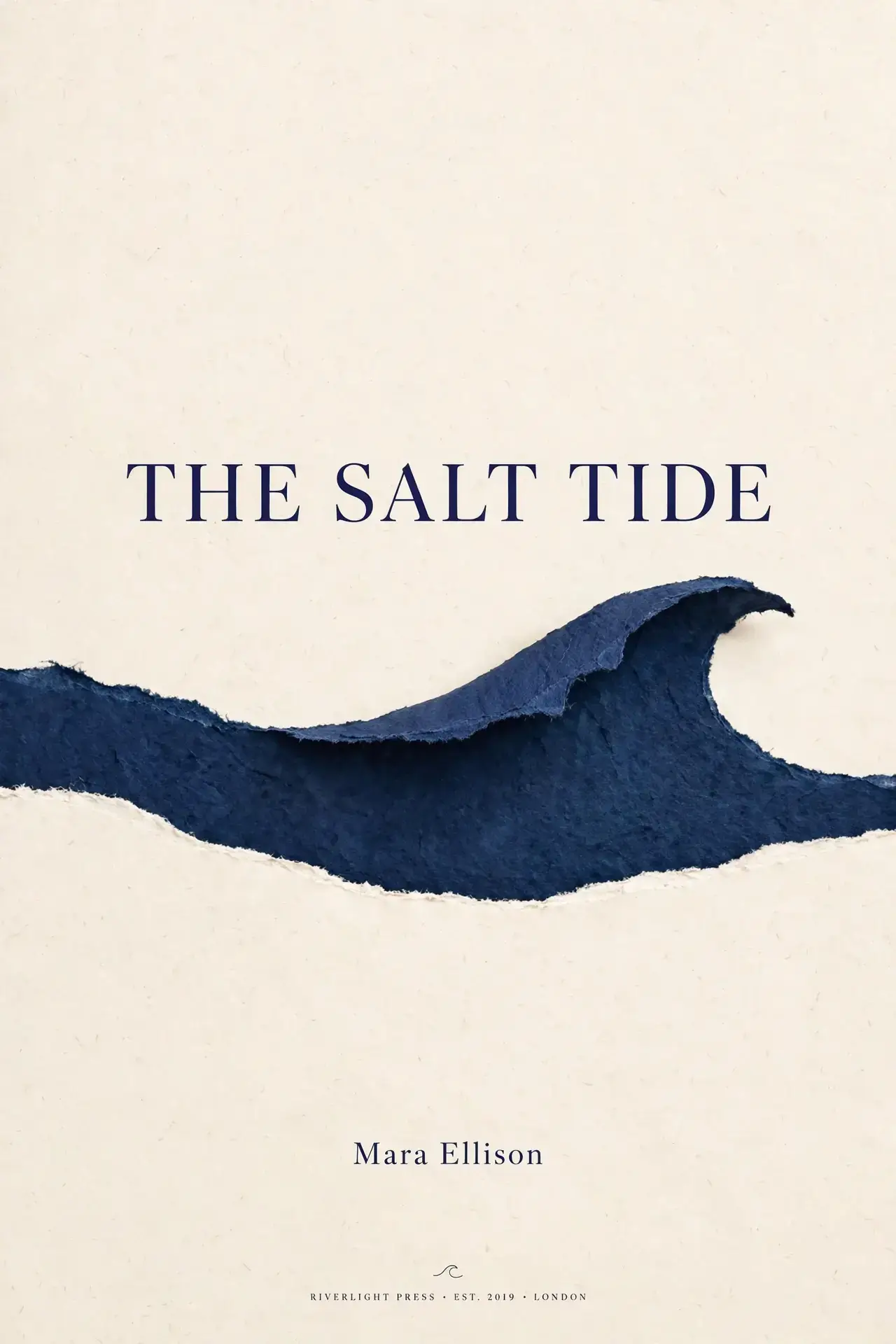
Muse Image composes a quiet cover with negative space, type hierarchy, and a single visual gesture.
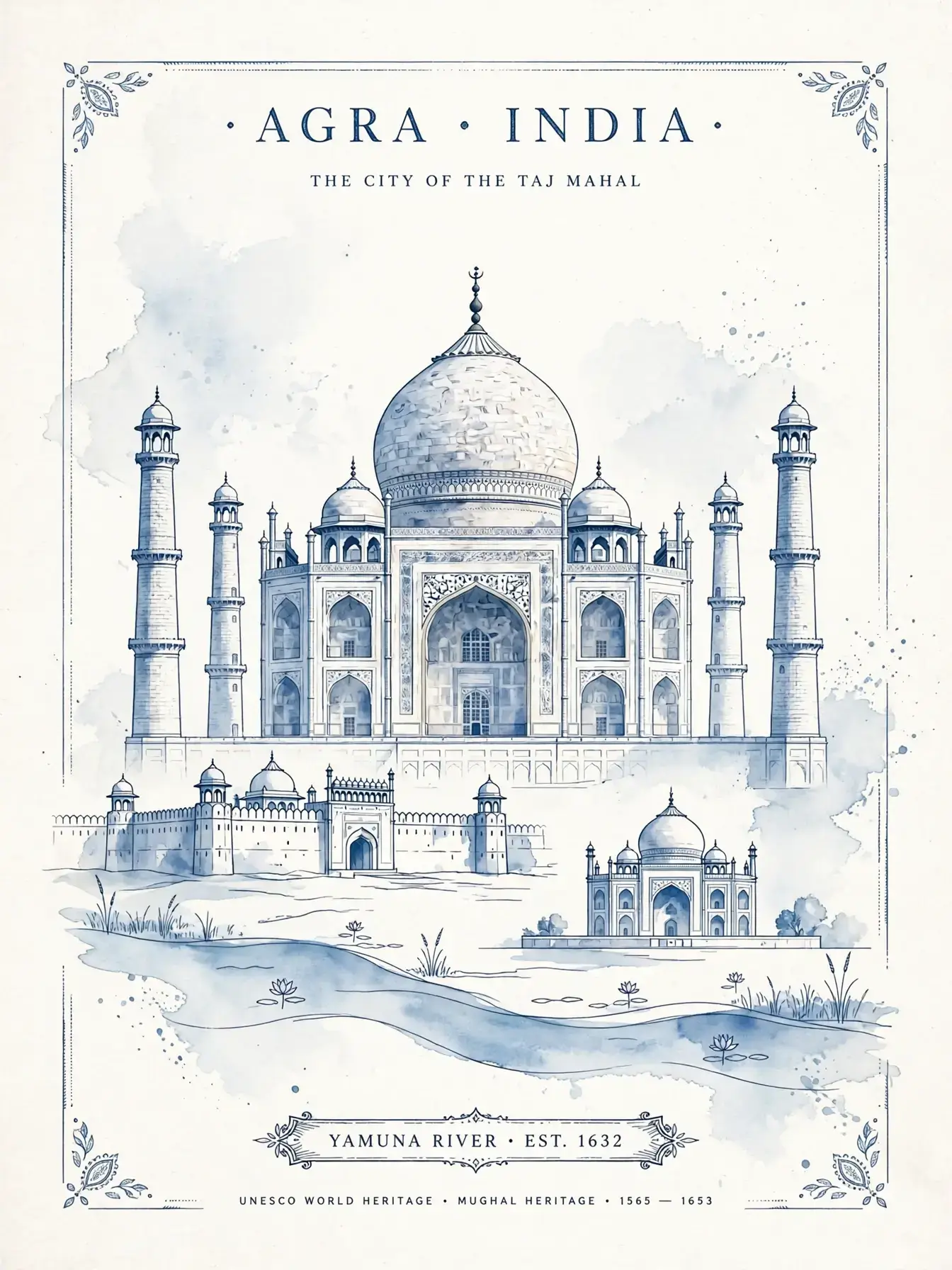
Muse Image balances landmark illustration, place typography, and a calm editorial composition.
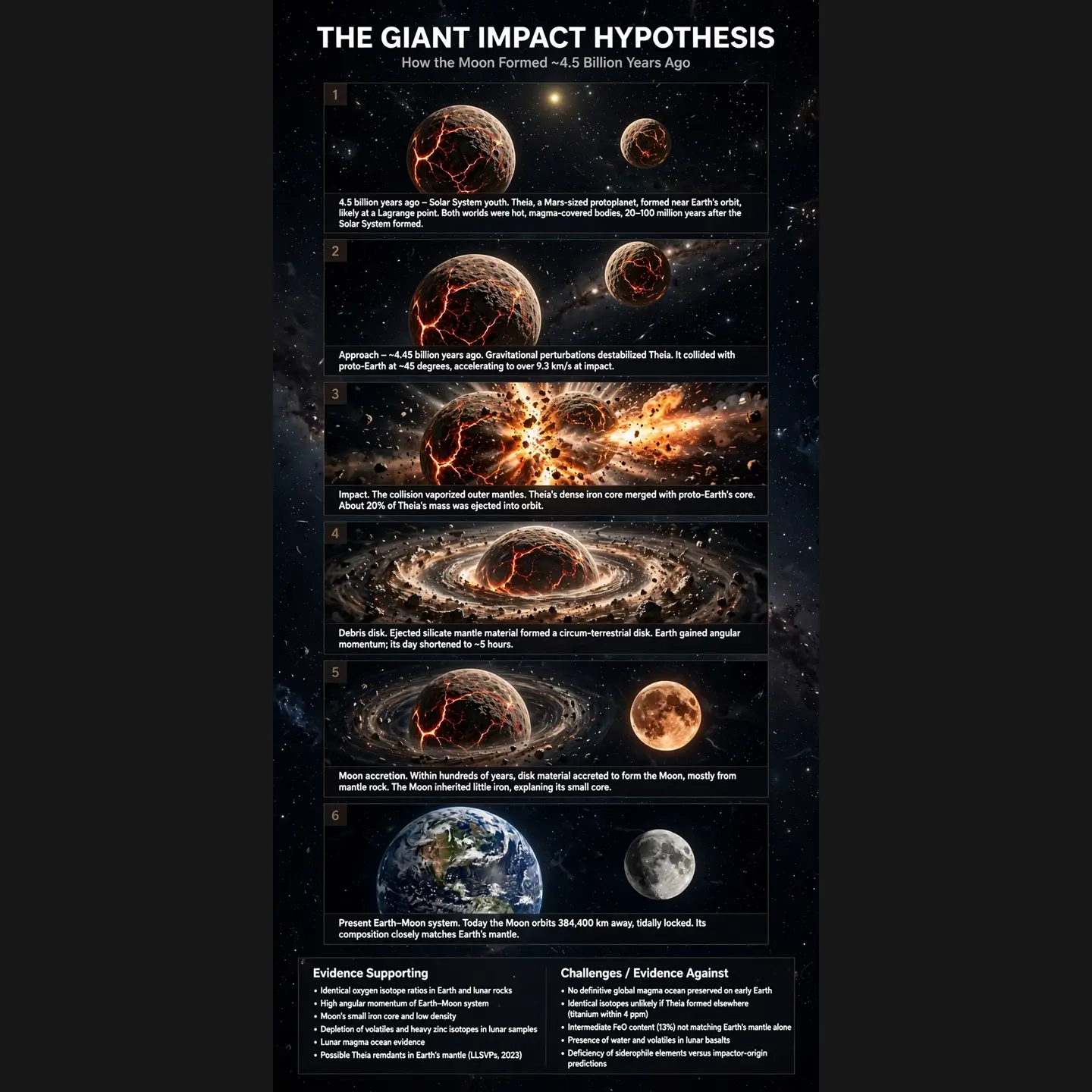
Muse Image can structure factual explainers when the prompt calls for labeled visual reasoning.
Muse Image can pull social context into a prompt and turn it into a personal campaign scene.
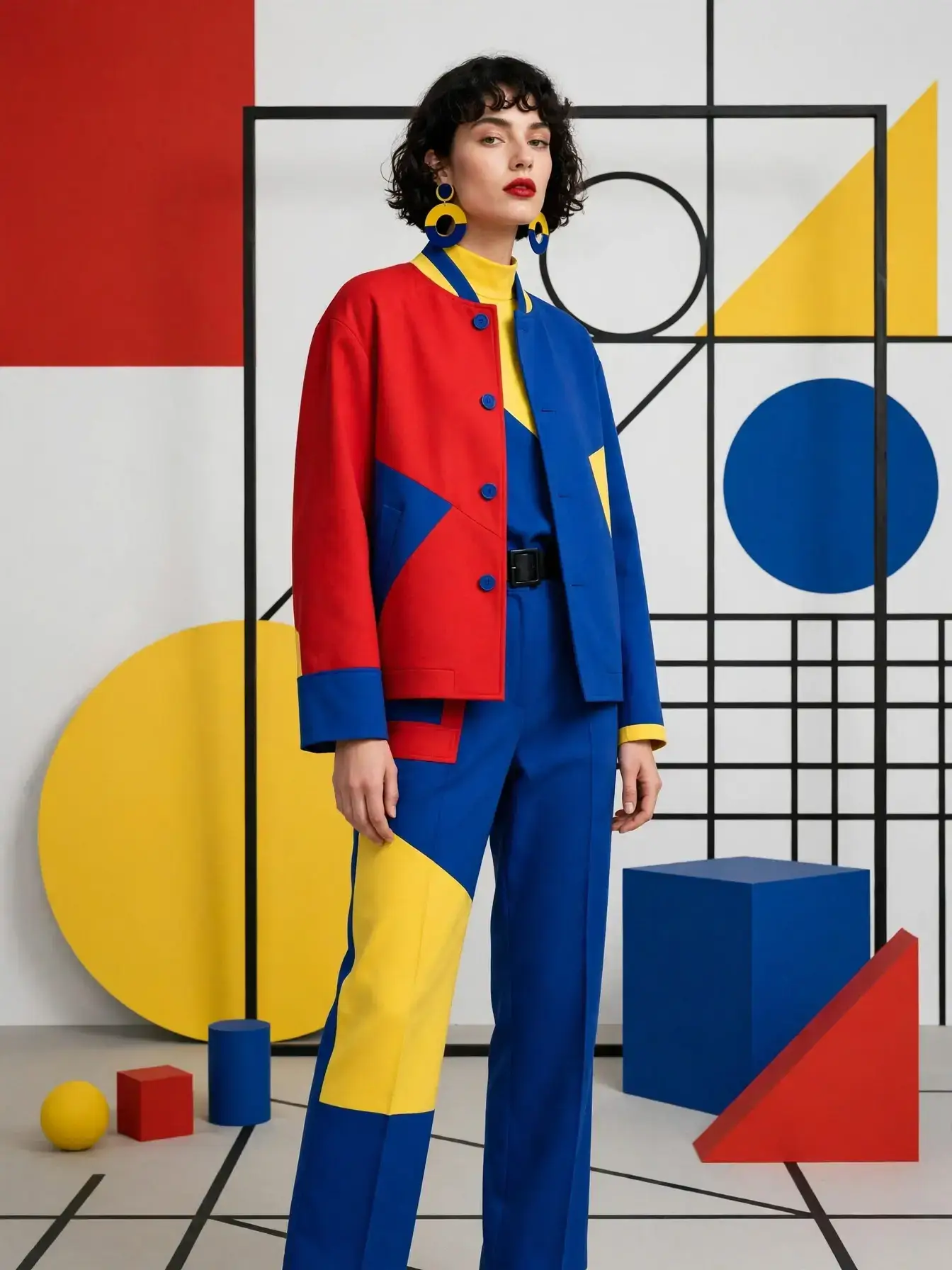
Muse Image turns color, pose, and graphic-shape references into a cohesive fashion visual.
Muse Image can refine conference signage and keep high-detail codes visually coherent.
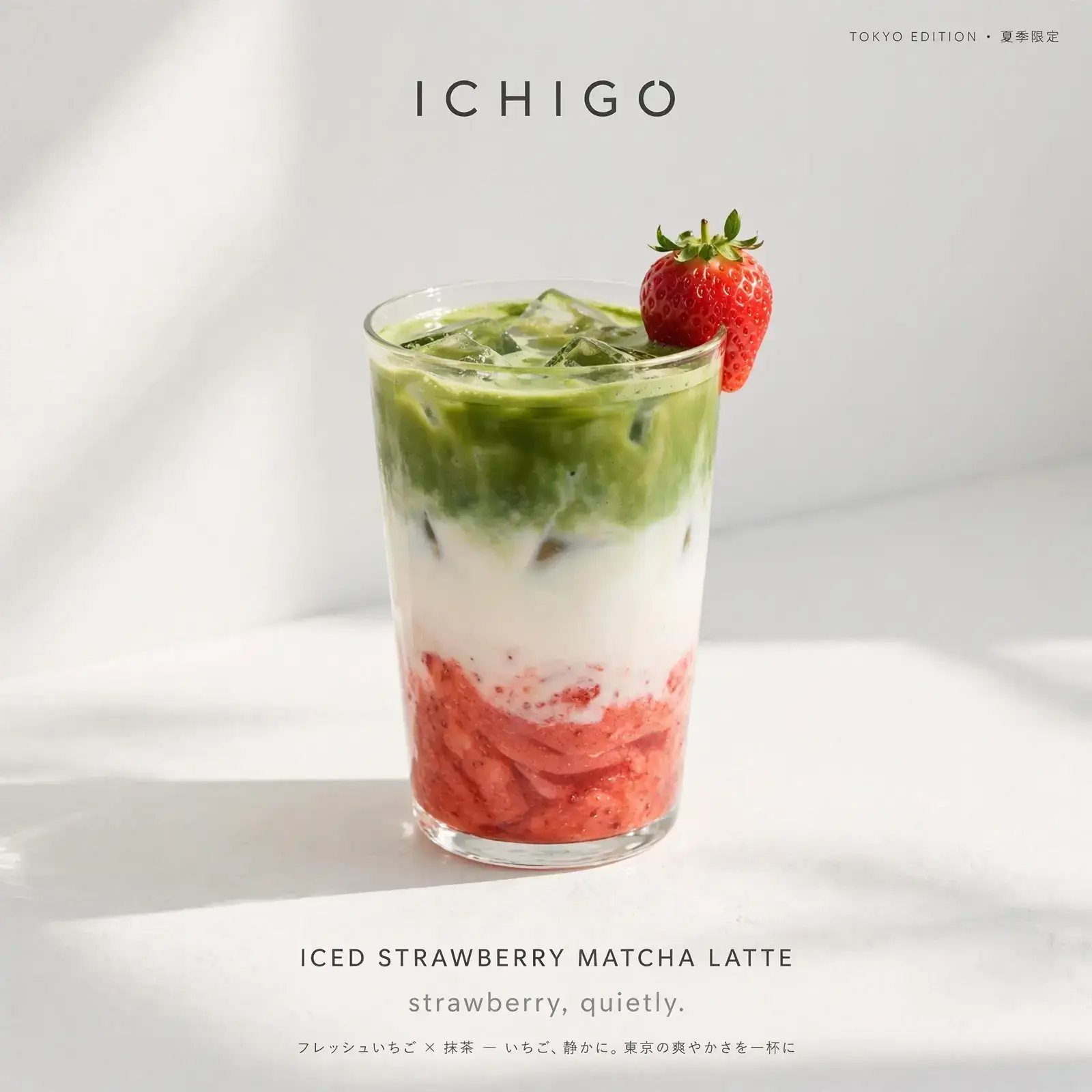
Muse Image creates product photography with clean label space and finished brand typography.
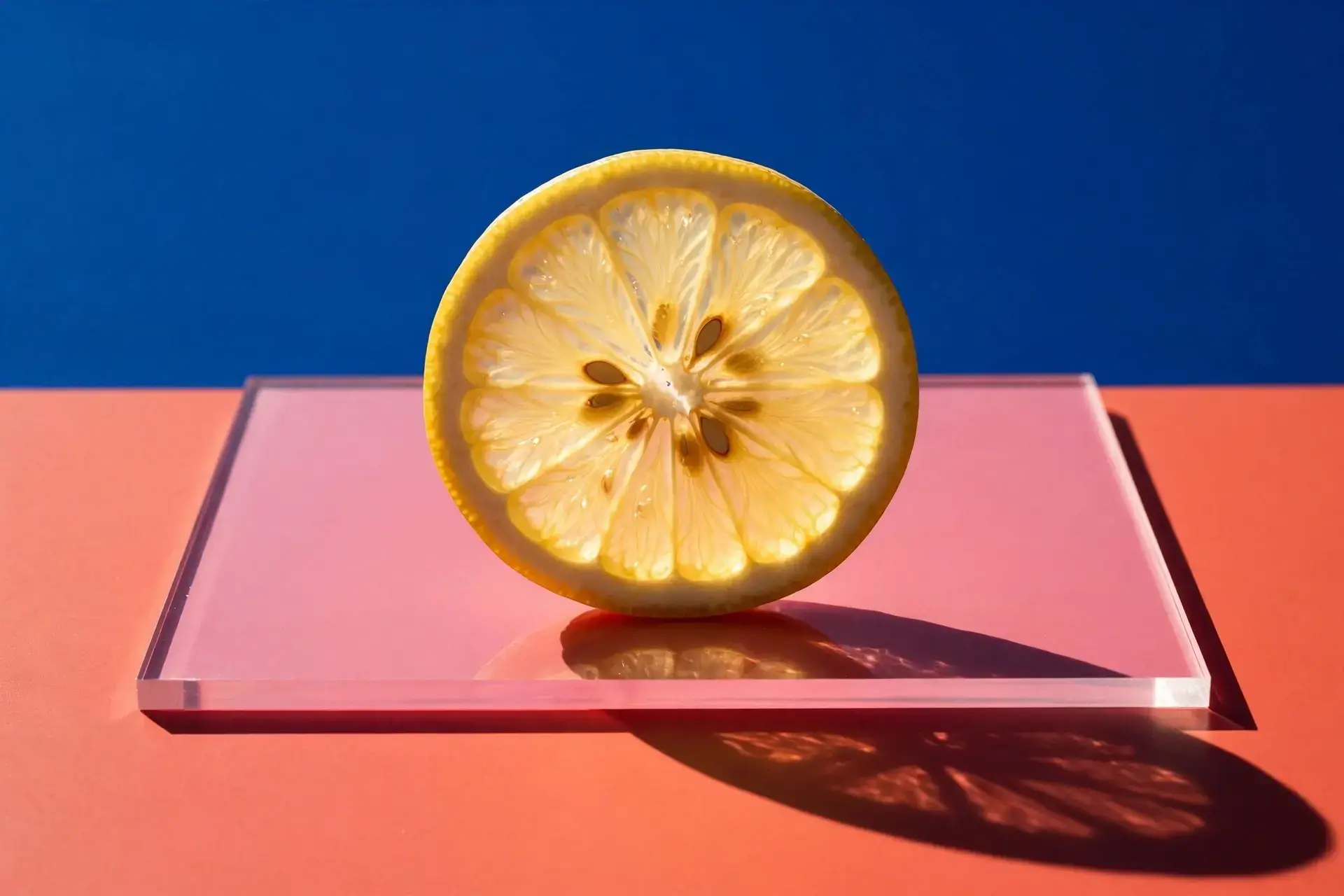
Muse Image uses simple geometry, color blocking, and sharp shadows for commercial product stills.
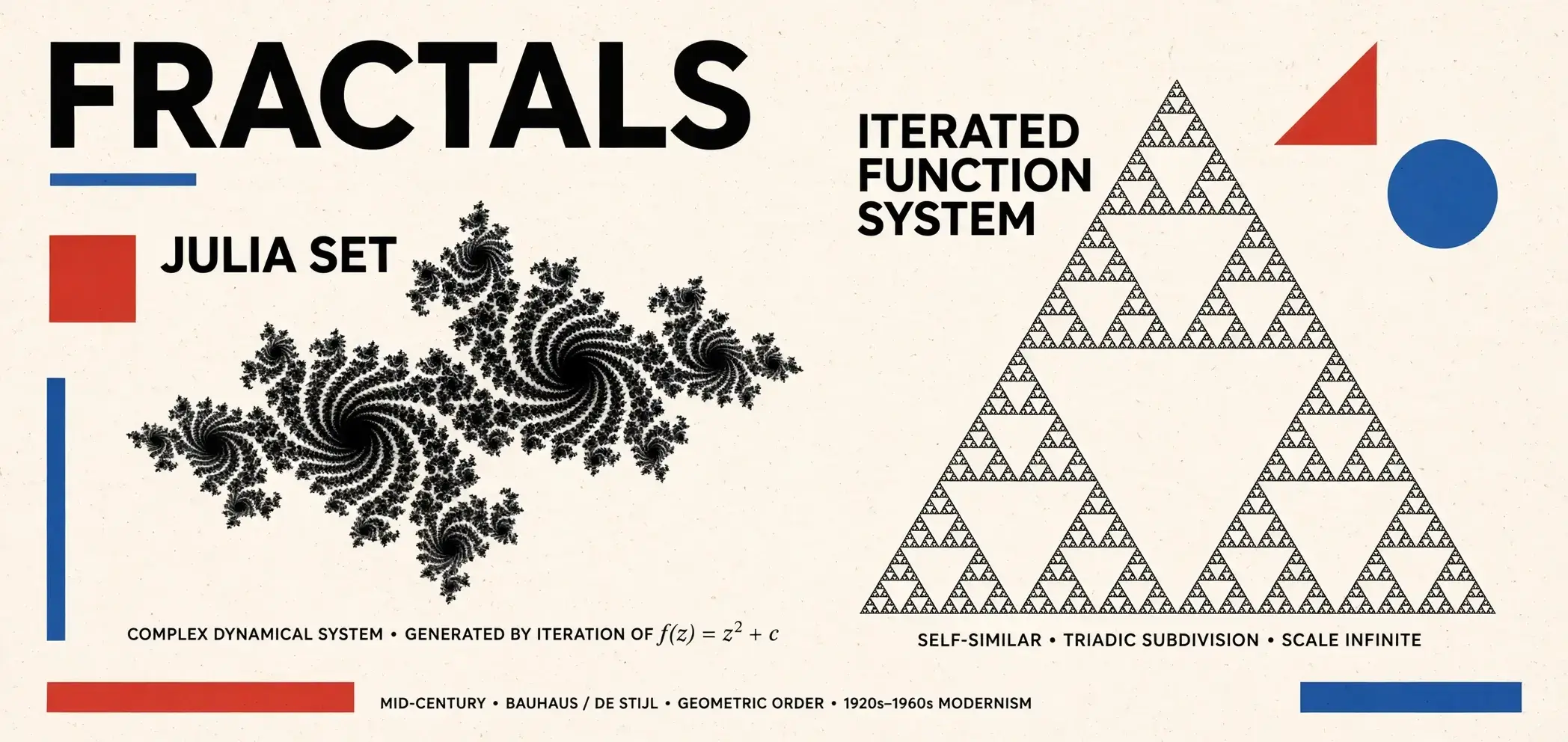
Muse Image can use code-style structure for plots, diagrams, and technical illustration.
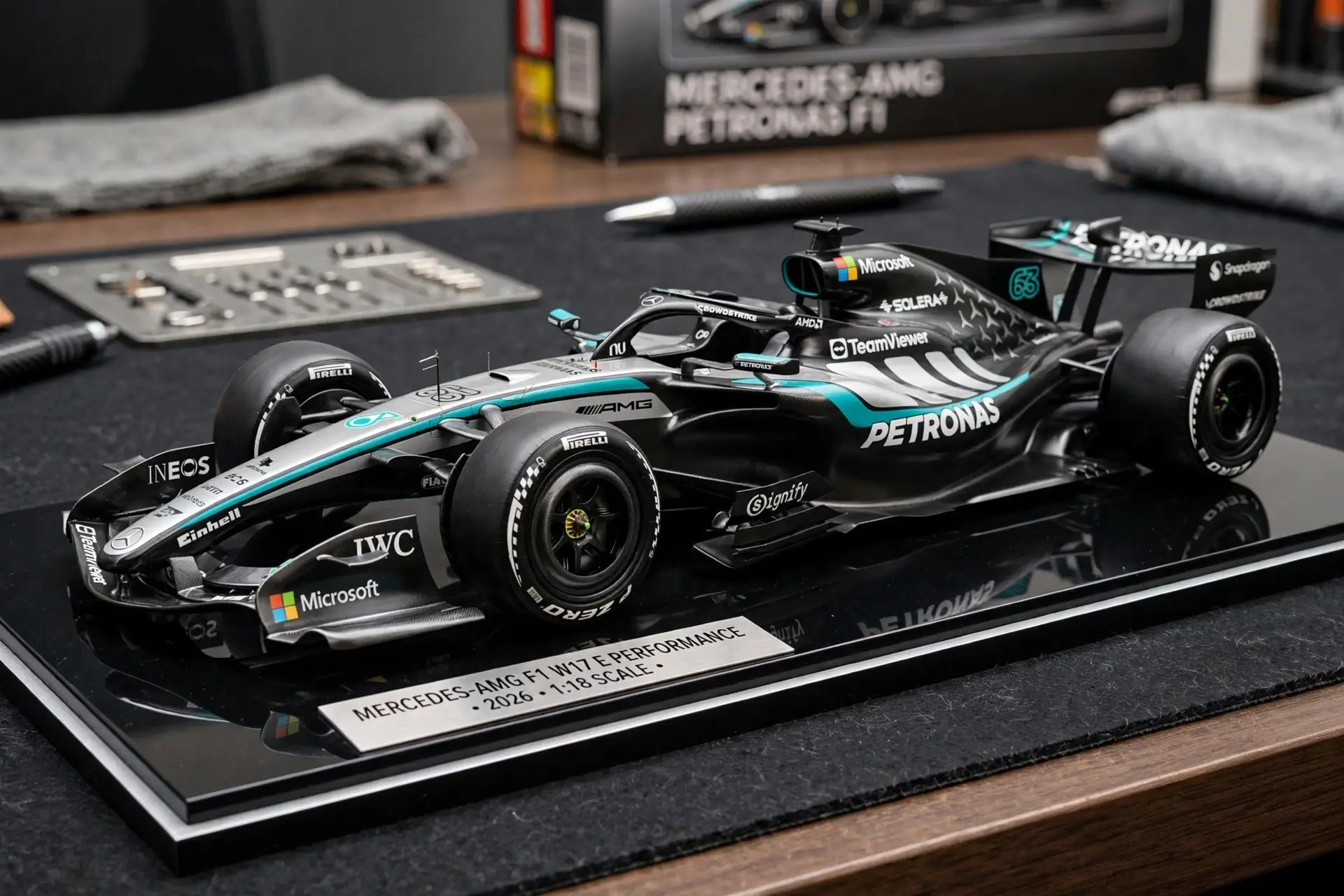
Muse Image keeps object edges and surface detail readable for small product creative.
Strong results across the jobs that matter most: creation, precise editing, and multi-reference composition.
Generate
High-fidelity scenes with readable, legible type
Edit
Precise regional edits that keep the composition stable
Compose
Blend people, places, and style into one coherent visual
Workflow
A direct alternating layout: image and copy trade sides so the visual stays readable at every step.
Describe
Muse Image
Write a natural prompt for a poster, product shot, portrait, or room edit. The image stays fully visible while the copy explains the creative job.
Compose
Muse Image
Use people, places, clothing, products, or style references together. Muse Image keeps the final output coherent instead of feeling pasted together.
Refine
Muse Image
Ask for a regional edit, text correction, layout adjustment, or factual fix while the surrounding composition stays stable.
Ship
Muse Image
Move from one generated image to social posts, product concepts, educational graphics, and fast creative variations.
Four practical workflows where the image matches the job: campaign, room, education, and product creative.
Turn social references and product moments into ad-ready visual directions.
Redesign a real space with furniture context before buying or staging.
Create diagrams and explainers when the prompt needs structure and facts.
Produce clean stills for small products, collectibles, and launch assets.
Muse Image responds well when subject, constraints, lighting, and edit intent each have a clear role.
Muse Image text-to-image
Scene, material, subject, light, and style reduce ambiguity.
A cozy bookshop interior at golden hour, oak shelves, a sleeping cat on a velvet chair, warm window light, oil painting style.
Muse Image photo editing
Targeted edits work best when the preserved region is stated plainly.
Remove the person in the red jacket from the background. Keep the lighting and shadows consistent.
Muse Image multi-reference
Identity, context, and lighting each get a clear job.
Combine my profile photo with this beach sunset. Keep my face and outfit unchanged, then match the sunset lighting.
Side-by-side comparison across key dimensions.
| Feature | Muse Image | GPT Image 2 | Nano Banana 2 | Midjourney |
|---|---|---|---|---|
| Arena Ranking | #2 | #1 | #3 | — |
| Text-to-Image | ||||
| Image Editing | Regional | |||
| Multi-Reference | Native | Limited | Style Ref | |
| Agentic (Search+Code) | ||||
| No Watermark | ||||
| Free Tier | ||||
| API | Not yet | |||
| Video (Coming) | Muse Video | Sora | Veo |
Pricing
Buy credits once with no subscription. Spend them on every generation and edit based on output resolution.
Each image uses a flat number of credits based on output resolution. Higher resolution costs more per generation.
| Resolution | Credits per image |
|---|---|
| 1K | 2 credits / image |
| 2K | 3 credits / image |
FAQ
Think of it as a creative partner that actually listens. Describe what you want—or bring photos, sketches, and references—and Muse Image generates or edits the image from there. Less one random output, more getting closer to what you had in mind.
Yes, you can start creating without paying upfront. How much you can do depends on your account and region, but there is no paywall just to see what it can do.
Absolutely—and you do not have to rebuild the whole image each time. Change one area, restore an old photo, shift the mood, or fix a single detail while everything else stays put.
Yes. Drop in your own images or pull style cues from social posts. If you are referencing something public, just check the privacy settings on the source first.
Every generation or edit spends credits from your balance. Pick a one-time credit pack on the pricing page—no subscription—and you are set. What each image costs depends on the output resolution.
It is a flat rate by output resolution: 2 credits for a 1K image and 3 credits for a 2K image. No hidden tiers—you always know what a generation costs before you run it.
Start free with 2 credits on sign-up, then top up with a one-time pack—no subscription: Starter ($9.9) gives you 150 credits, Plus ($29.9) has 540, and Pro ($49.9) brings 1,100. Grab what fits your volume; credits never expire.
1K and 2K, with common aspect ratios—square, 4:3, 16:9, 9:16, and ultrawide. Choose the size and format before you generate so the export matches where you plan to use it.
Yes. Images from paid credit packs include commercial use rights. For campaigns, client deliverables, or anything business-related, check our terms of service for the full licensing details.
Use this guide to plan prompts, compare capabilities, and start creating when you are ready.